Opening Common Locations

Common Locations allows you to create records for places that many clients are likely to visit.

Procedure

Do one of the following:
  • Click Task > Locations.
  • Click the Locations button:
    Three-column building with a small red and white pole on the right.

Results

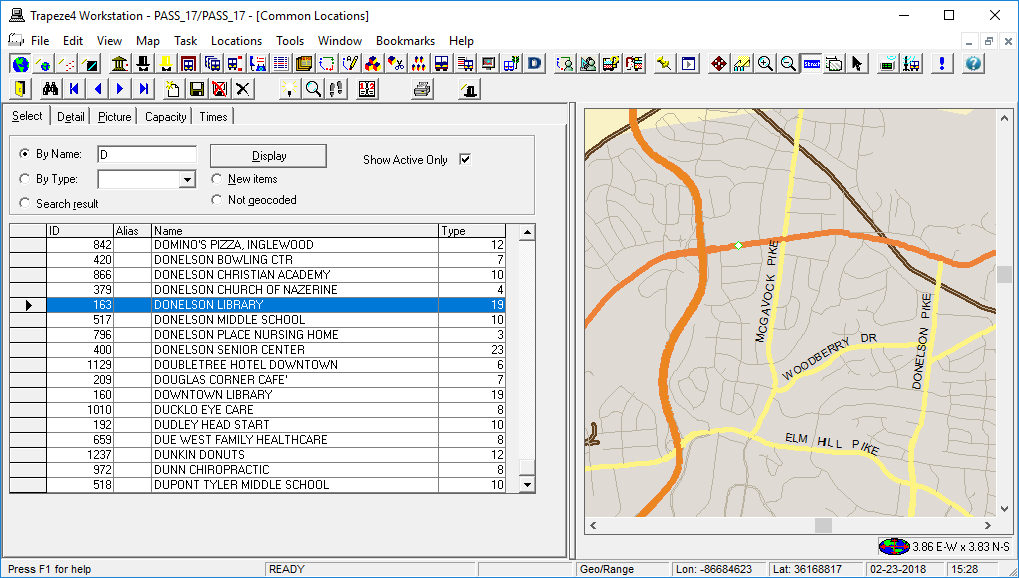
Common Locations appears. A green square on the map marks the highlighted location.
Common Locations open to the Select tab. A green square is visible on the map. It corresponds to the address of the selected Common Location.