
About Trip Administration
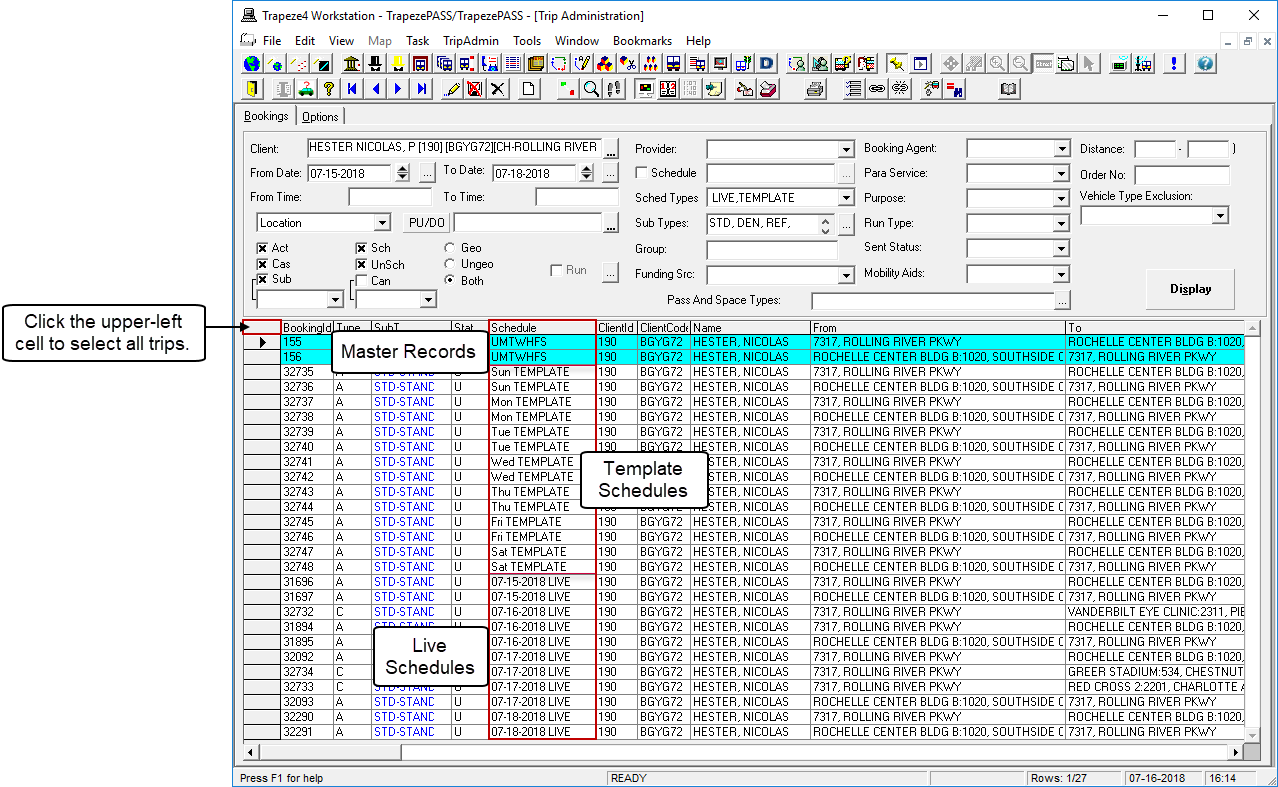
Once the initial booking is created in Trip Booking, use Trip Administration to look up trip information (for example, to provide clients with estimated arrival times), and maintain and update subscription and casual bookings.
In Trip Administration, you can perform the following activities:
- Activate subscriptions.
- Schedule and unschedule trips as well as exclude specific trips from being included in a batch schedule.
- Cancel bookings.
- Edit subscription and casual bookings.
- Link trips.
- Create new trips by duplicating existing trips.
- Add comments to track events.
If you are working with a Closed or Active Locked schedule state in Trip Administration:
- No bookings can be edited for the schedule date.
- You cannot Paste, Schedule, Unschedule, Delete or Move bookings for the schedule date.
Schedule dates can be closed in Schedule Administrator.