Viewing Only Loaded Schedules
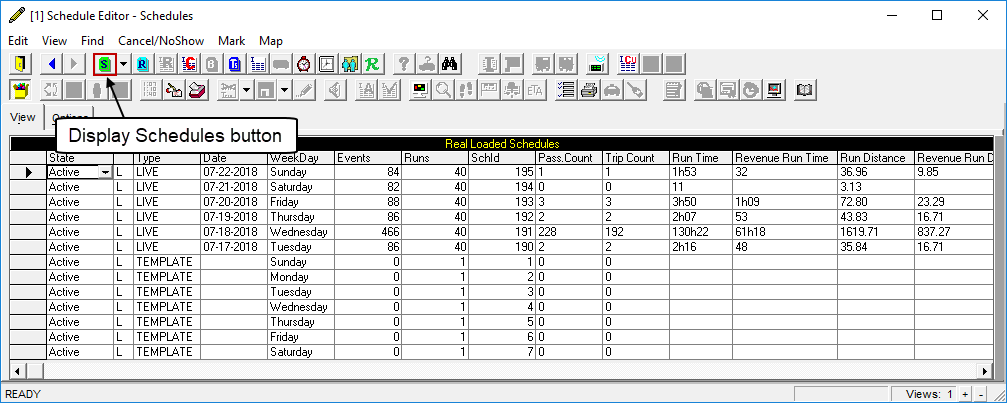
You can set up the system to only show loaded schedules in Schedule Editor.
Before you begin
Procedure
-
Click .
A check mark appears next to Only Loaded Schedules when it is selected.
-
Show the available schedules:
- Click the Display Schedules button:

- Click .
- Click the Display Schedules button:
Results