
Configuring System Properties in PASS
System properties allow transit agencies to customize system behavior.
Procedure
- In the Trapeze4 Workstation, click .
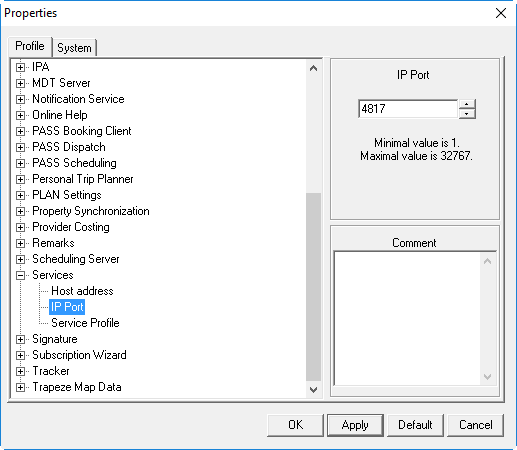
- On the Profile tab, expand Services.
-
Type the Host address and IP Port of the
Trapeze6 Service Shell.
- Click OK.