
Configuring Trapeze4 Context Properties
Trapeze4 context properties are configured in the web browser.
Before you begin
Procedure
-
In the Main Menu, click Settings
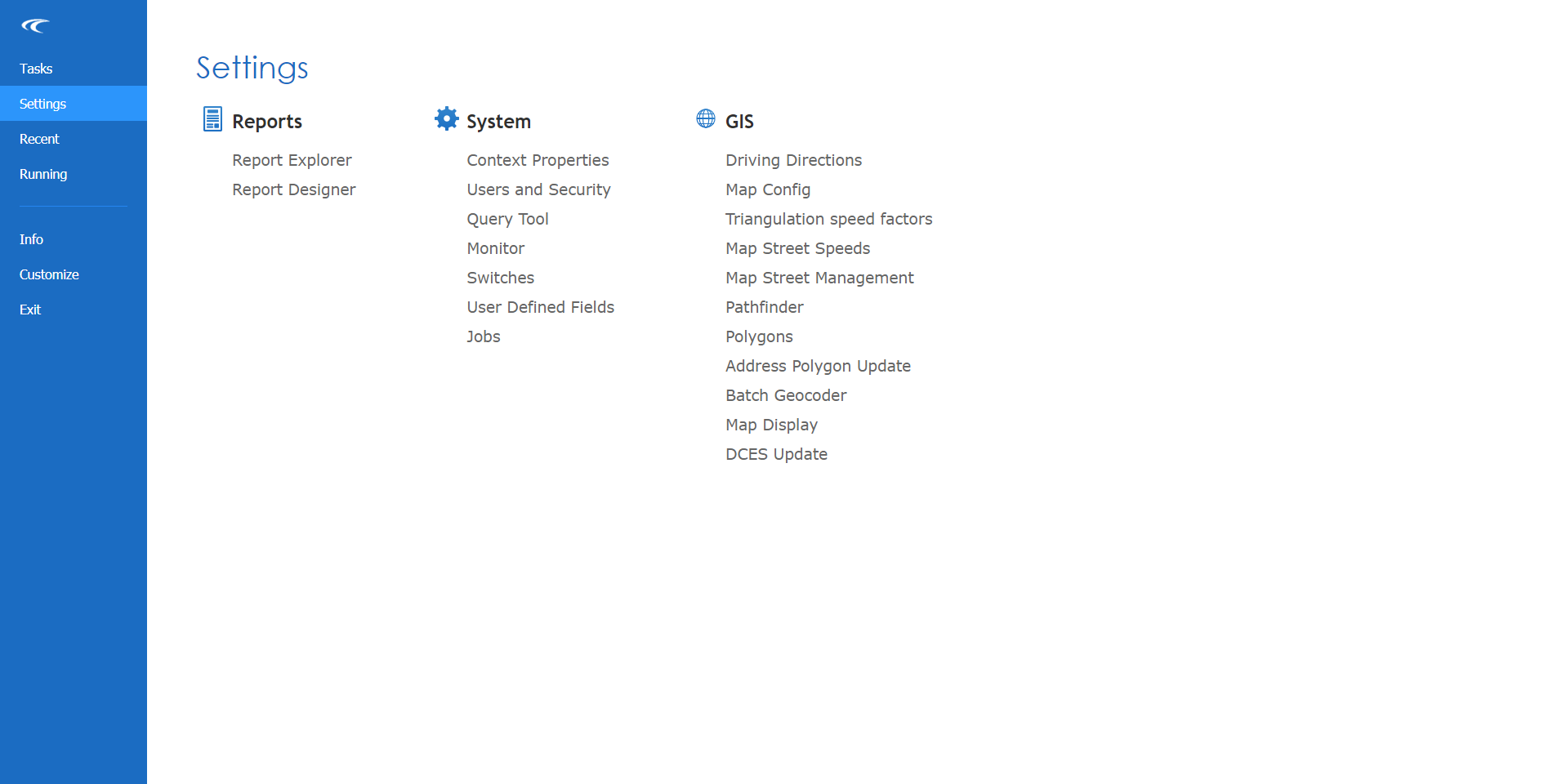
- Under System, click Context Properties.
- Expand the folder.
-
Specify the Host Address and Host Port
number of the Trapeze4 Schedule Server application.

-
Click the Save button:
