
Configuring Notification Context Properties
Notification context properties are used to define the available contact device types that the IVR system can use, and how messages are routed through the TRR system.
Before you begin
Procedure
-
In the Main Menu, click Settings
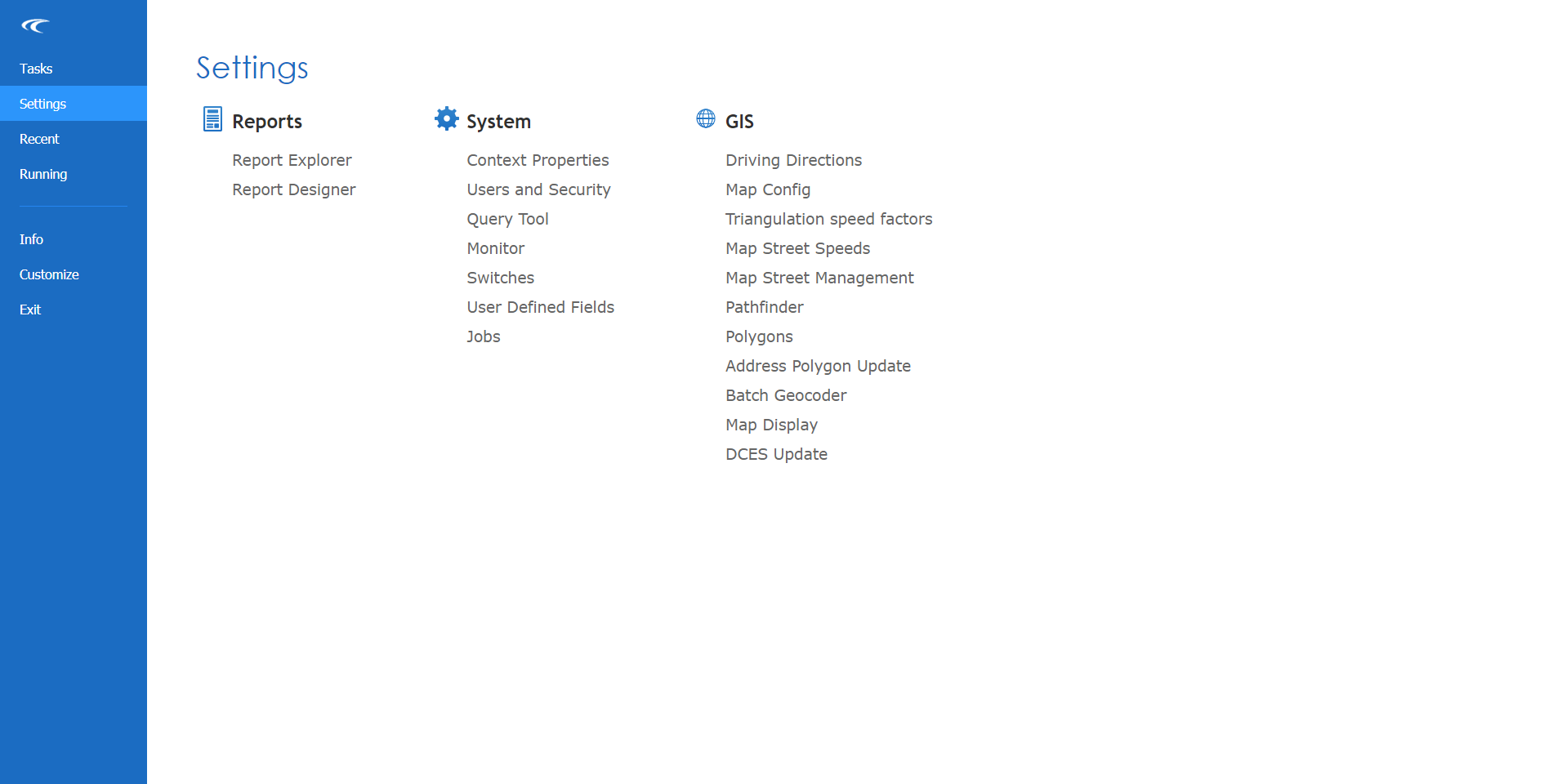
The Settings screen is open.
- Under System, click Context Properties.
- Expand the folder.
- Type values as needed for the Rapid Response context properties.
-
Click the Save button:
