
Updating the Map
The Trapeze6 Web GUI map needs to be updated so that it loads correctly in your browser.
Before you begin
Procedure
-
In the Main Menu, click Settings
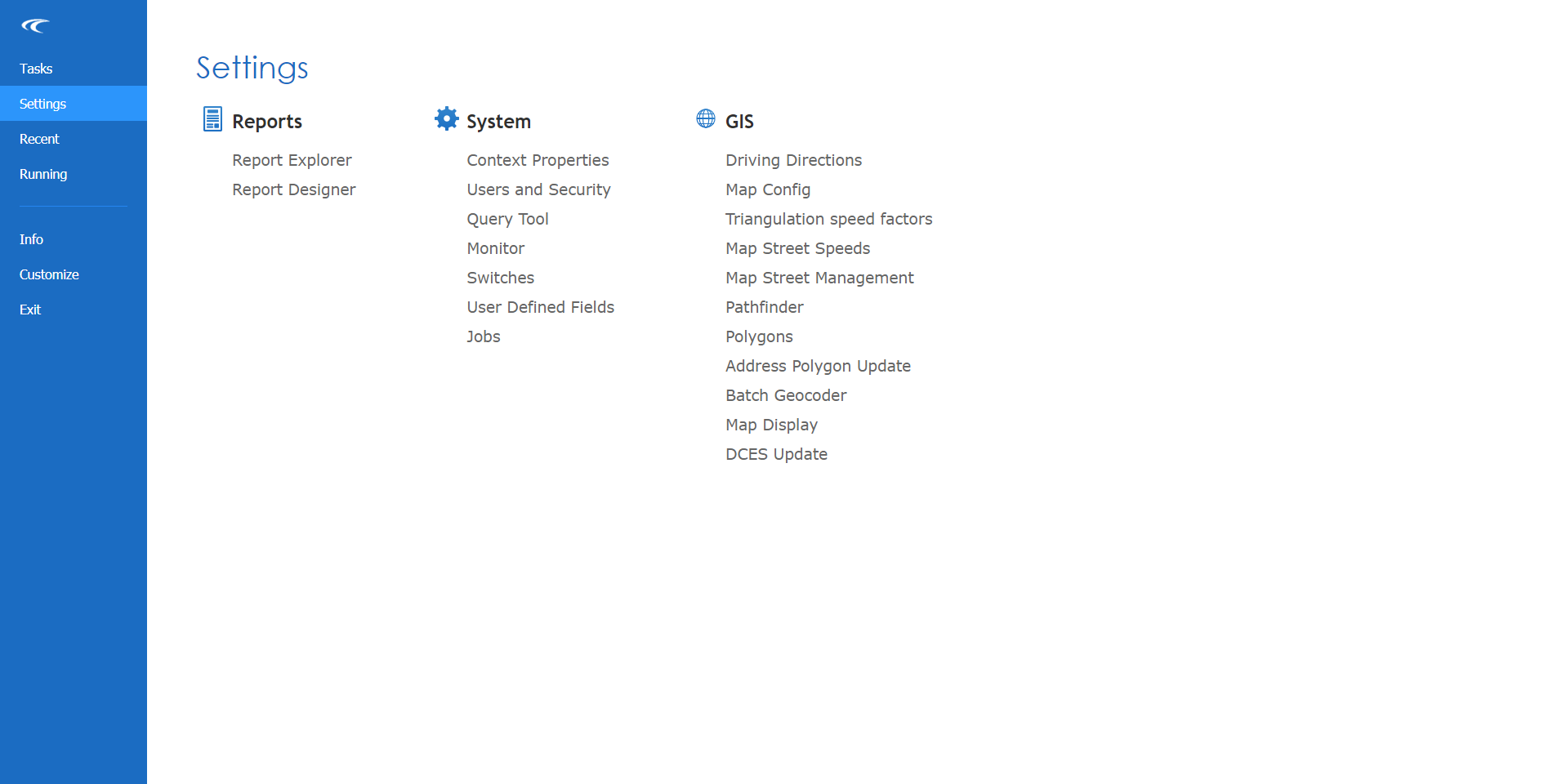
The Settings screen is open.
-
Under GIS, click Map Config.
The Map Configuration screen opens.
- Click the DataSets tab:
-
Click the Start All button:

Results
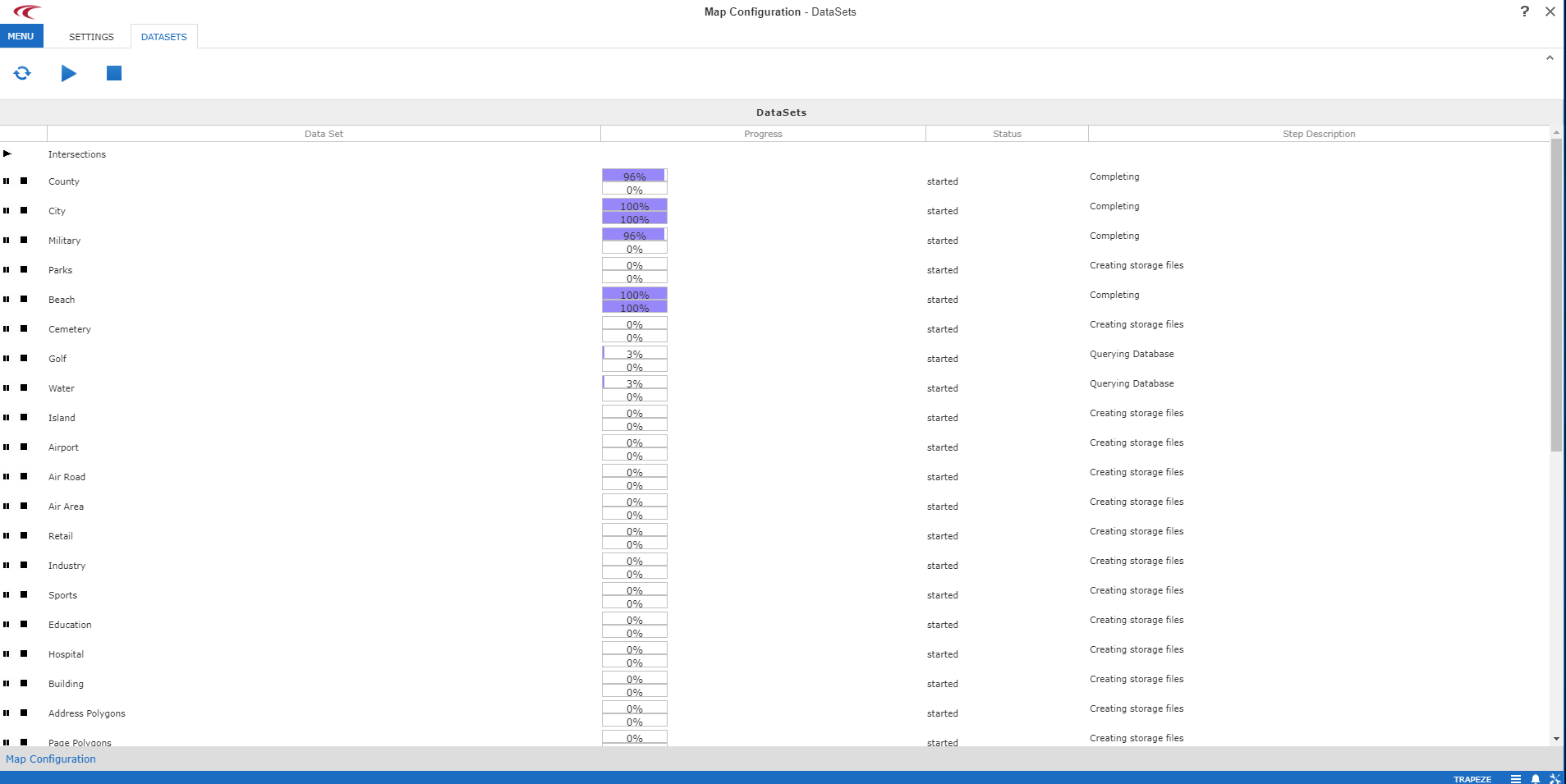
The map data update is complete when the Status column for each data set shows Completed.