
About Using the Step Manager
You can view more information in some screens using the Step Manager at the top of the screen.
For example, click the Select tab in a screen to find a specific record.
The Step Manager presents steps in a logical workflow, but you can move through the steps in any order.
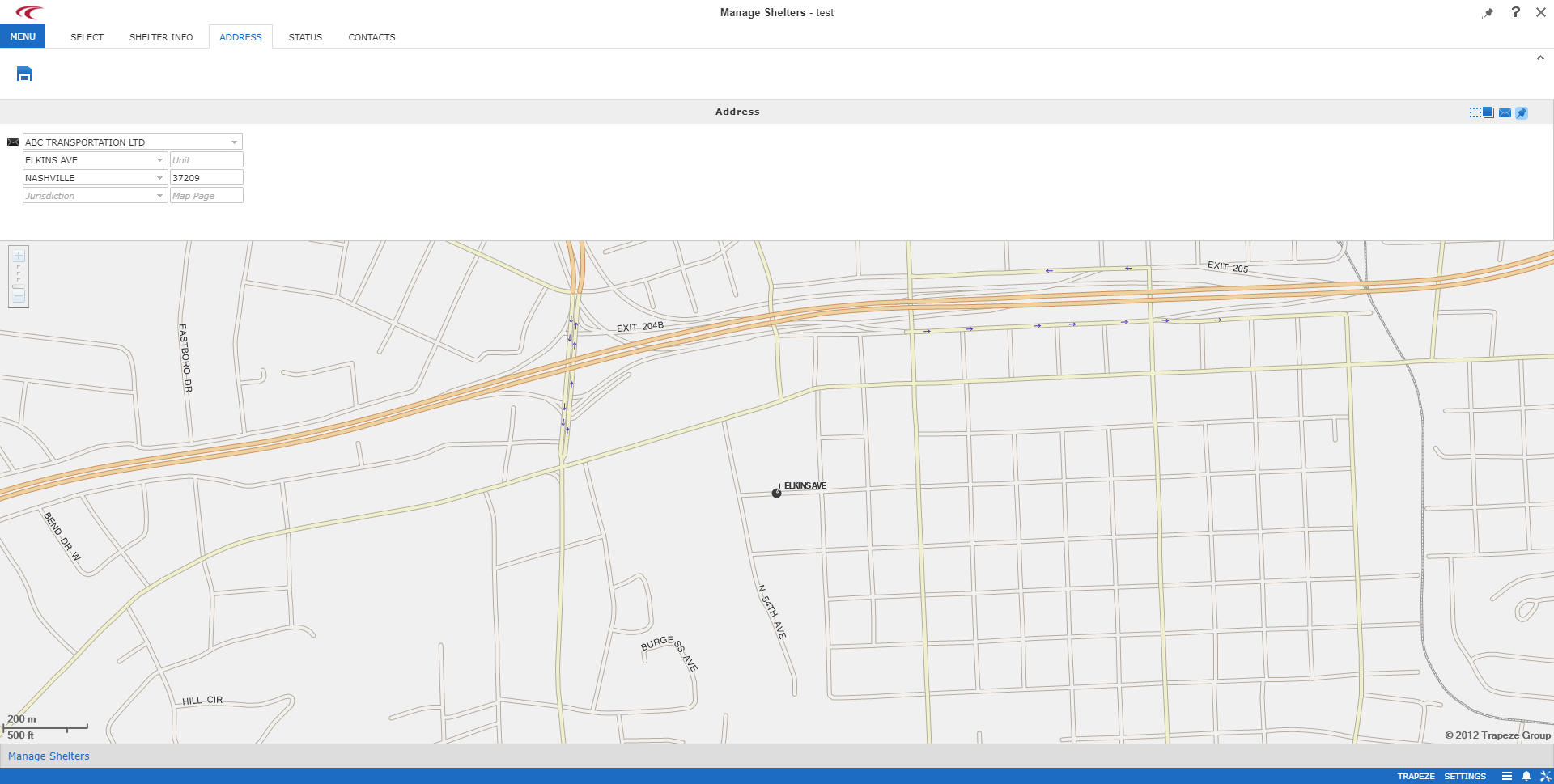
For example, in the Manage Shelters screen in the following image, the Address tab is highlighted and the shelter's address information is shown on the screen. You can go backward and forward between screens during the edit process by clicking the step tabs at the top of the screen.
Trapeze recommends that you save any changes that you make on a screen before opening or switching to other screens.