
About Grid Column Data
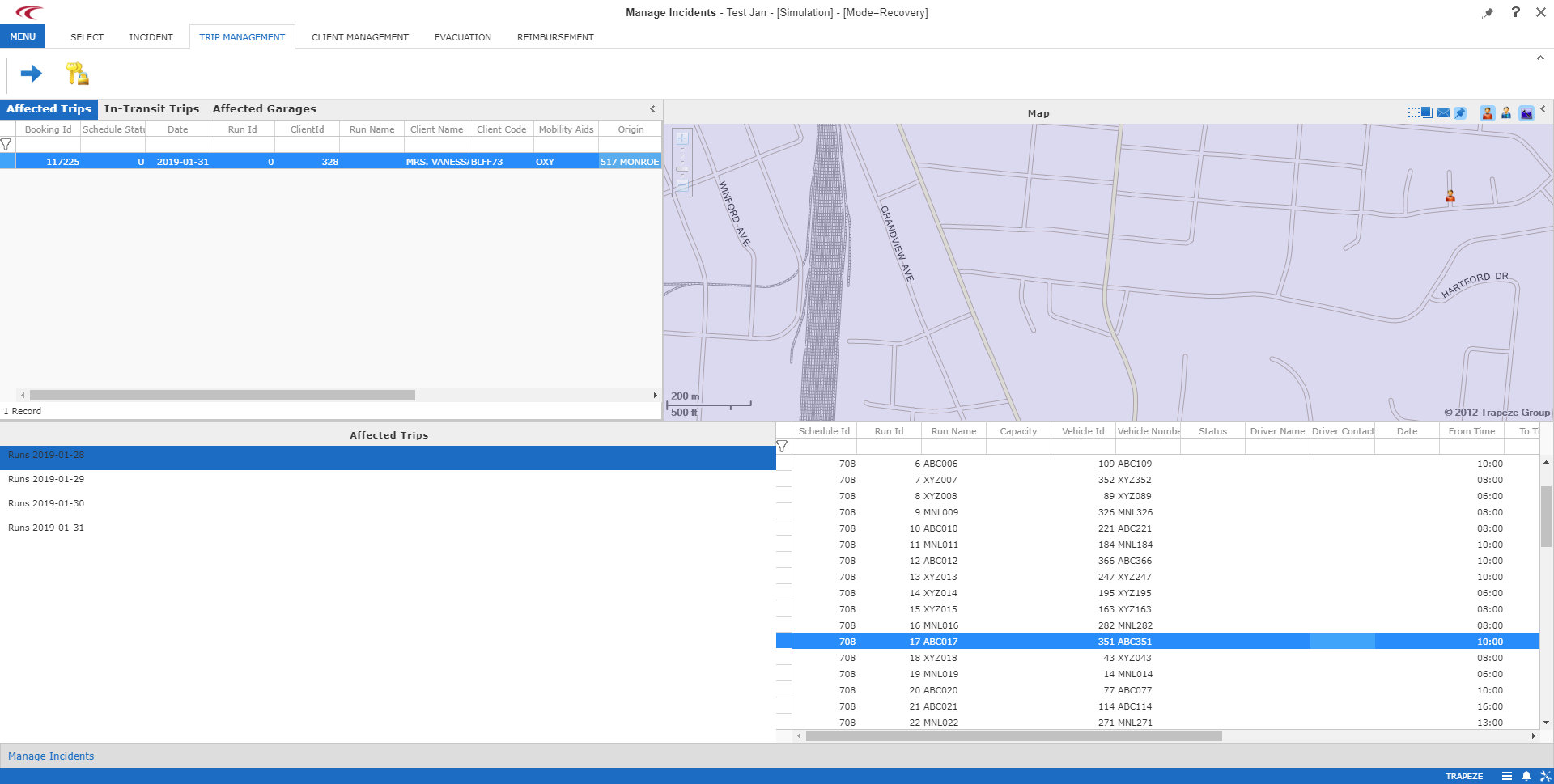
In screens where search results and lists appear, information is shown in grids.
For example, in the Trip Management step in the Manage Incidents screen.
You can specify which columns appear and the order in which they appear.
About Sorting Grid Column Data
For some grids, you can specify the sort order for data rows by column.
You can sort rows in ascending or descending order of values in the specified column. In the grid, click the column heading to sort data by. Click again to change the sort order.
An arrowhead indicates the column that data is sorted by and which order (ascending or
descending) is used.