
Creating User Groups
You can create the user groups using the Users and Security screen.
-
Click .
The Users and Security screen appears.
-
On the toolbar, click the New button:
 A shortcut menu appears.
 -
Click the New Group button.
The Add Group pane appears on the right section of the screen.
- In the Group Name field, enter a name for the group.
-
Click the Create button.
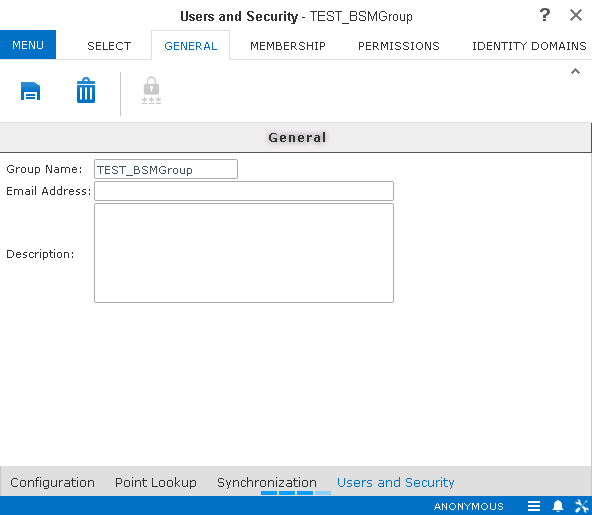
The Users and Security screen appears with the General tab open by default.
-
Fill in the following fields as required:
- Email Address
- Description
-
Click the Save button:
 .
.