
Deleting Associations
You can delete associations in the Associations pane.
- Click Points in the Stop Manager list.
- Select a Point Parent Type or Amenity Parent Type. If associations have been made for the selected type, they are shown in the Associations pane.
-
On the association record that you want to delete, click the
Delete button:
 .
The Delete Association pane appears in the rightmost section of the screen.
.
The Delete Association pane appears in the rightmost section of the screen.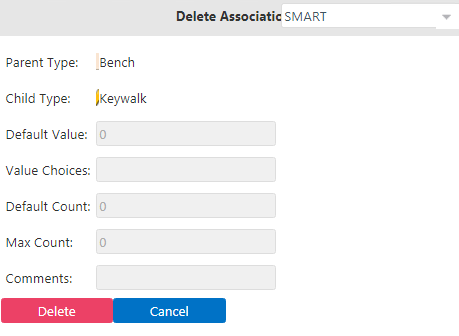
-
Click Delete.
You are asked to confirm the delete action.Note: If the association has been applied to some points, a warning appears. Since the association has been applied to one or more points, that is, it is considered in use, you are not allowed to delete it.