
Emailing Work Order Reports
You can send emails with the work order reports.
- Search for the work order you want to send out by email.
-
In the Operations pane of the Details screen,
click Email Report.
The Send Email dialog appears.The Subject field is filled in by default. The values in the From and Subject fields are set in the context properties.
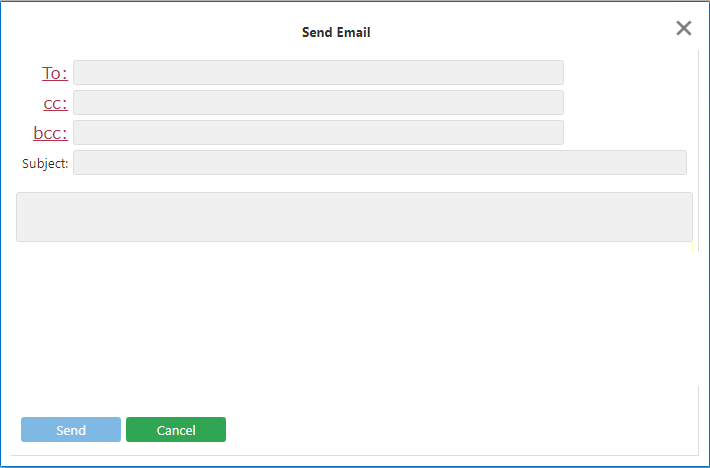
- Fill in the various fields: From, cc, bcc, Subject and Sender, as necessary.
- Enter a message in the text field.
- Click Send.