
Searching for Work Orders
You can search for work orders directly in the Work Orders screen.
-
Click Work Orders in the Stop
Manager list.
The Find Work Order screen appears.
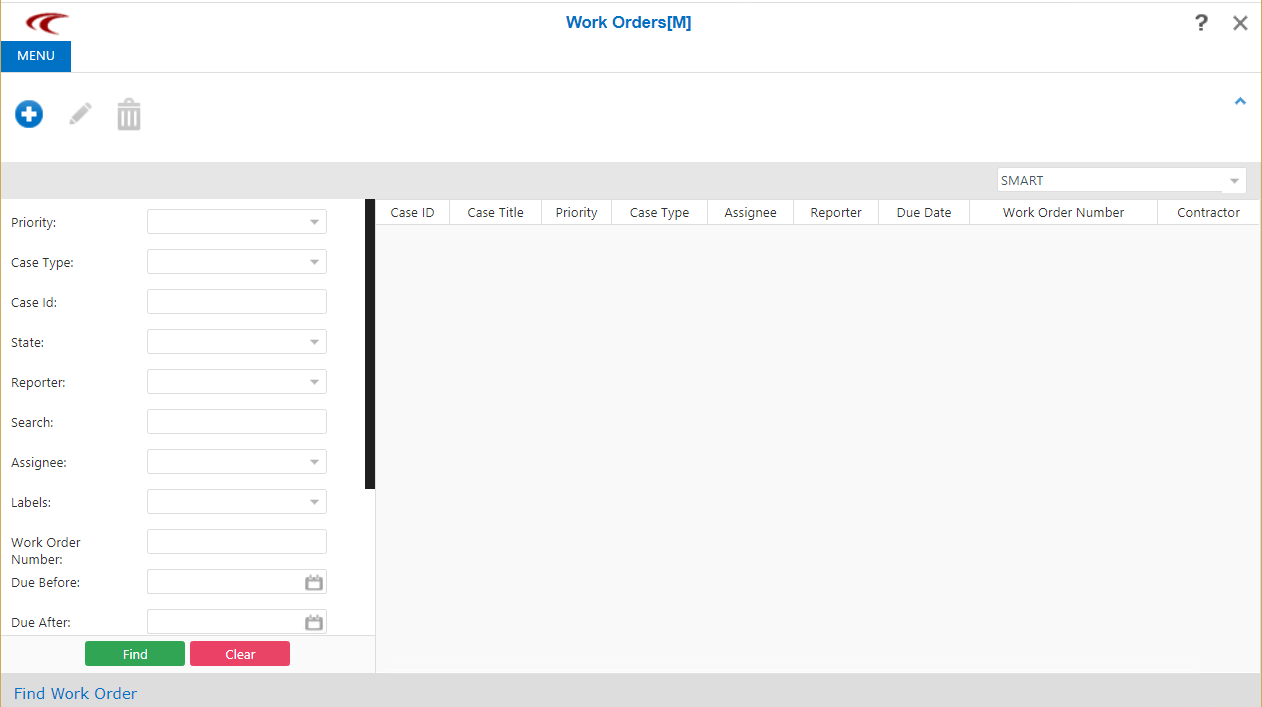
- Optional: In the Agency field, on the upper right corner of the screen, select the appropriate agency.
- Select or enter the appropriate values in the fields on the left pane.
-
Click Find.
The work orders that match your selected criteria are shown on the right pane.The graphic shows some sample results of a search with the Priority filter selected: Number and list of cases available.
