
Updating the Map
You can update the map data using the Map Configuration screen.
-
Click .
The Map Configuration screen opens.
- Click the DataSets tab.
-
In the screen toolbar, click the Start All button:
 .
.
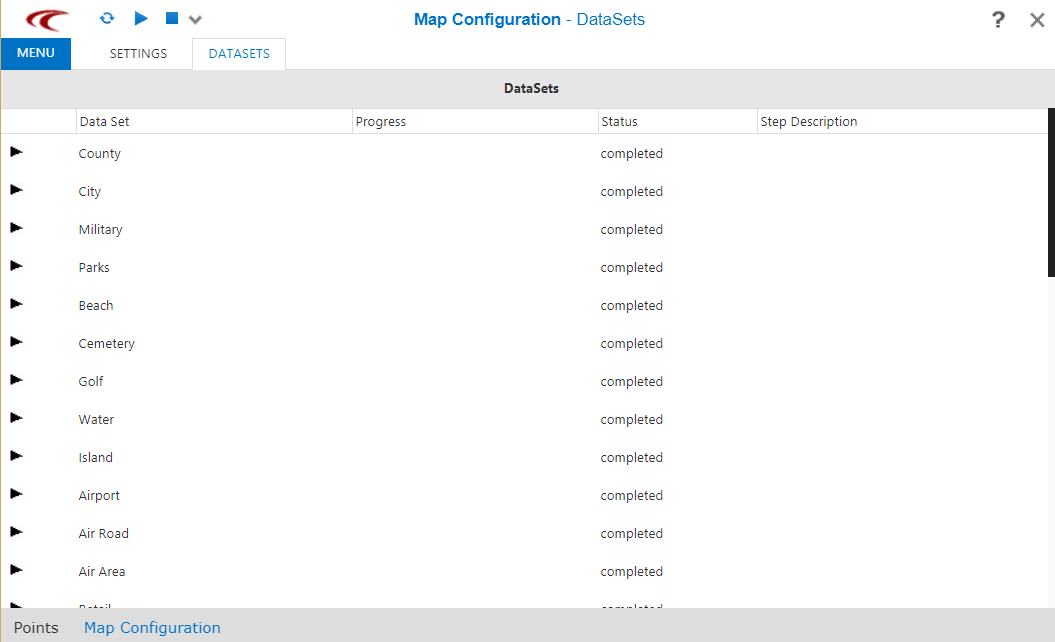
The map data sets start to load. The Progress column shows a progress bar and a percentage for each data set.
The map data update is complete when the Status column for each data set displays Completed.
- Optional:
To stop the process
at any point, click the Stop All button:

- Optional:
To load the most
current data, click the Refresh button:
