
Viewing Export Files
You can view the contents of a selected file using the Export Result pane.
-
On the Export Result pane, click View beside the file you want to view.
The Report Preview screen appears.
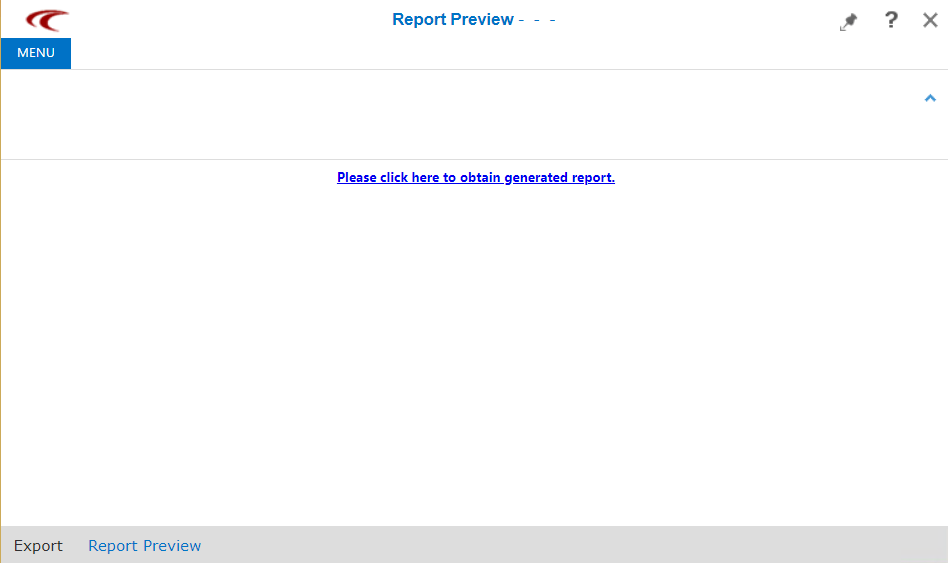
You are prompted to click a link to obtain the generated report.
- Click the link and the file is downloaded and shown at the bottom of the screen.
-
Click the file and perform the appropriate step:
- You are asked to choose an application to open the file, for example, a text editor such as Microsoft Notepad.
- Right-click on the file and do one of the following steps:
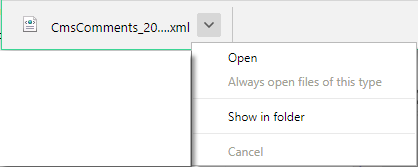
- To view the contents of the file, click Open.
- To view the file in the file directory where it is saved, click Show in folder.