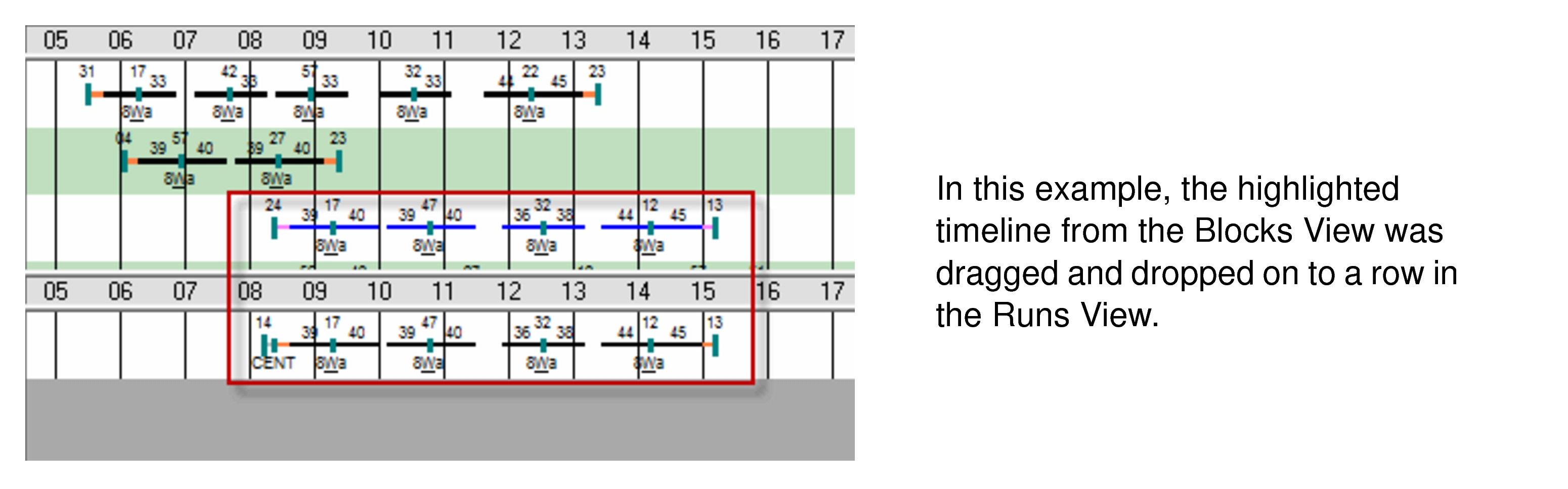
The drag and drop feature allows you to add pieces to runs in the Runs
View.
On the Blocks View pane, select the piece that you want to add
to a run and drag it to the Runs View pane. Drop it on an empty row
or beside the piece to which you want to add it.
If you are allowed to drop a selected piece on the spot you want on the
Runs view, a white arrow with a little rectangle appears. You can
then release the left mouse button and the piece is added to the timeline.
If you are
not allowed to drop a selected piece on the spot you want, the
No symbol (circle with backslash) appears.
Some possible reasons that the drop is
not allowed:
Graphical Runcutting system properties are not enabled.
Piece does not fit into the timeline.
Piece causes platforms to overlap or exceeds the allowed overlap time.