Selecting Pieces
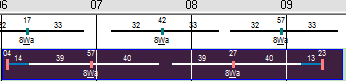
When you select a piece on the graph, it changes color or appears highlighted.
-
To select a single piece, click any part of the piece you want.
-
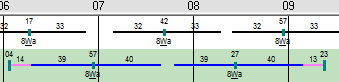
To select multiple pieces such as when you want to select across multiple reliefs,
press CTRL and click immediately before the first piece and drag across the timeline. The
highlight appears over the entire timeline. Ir appears not only over the line but also on
the numbers attached to the line.