
Forcing Travels
You can add a travel to a run with the Force Travel feature as in many cases the values (for example, from and to time, and actual time) may be the same.
- Click the run to which you want to add a travel.
-
On the footer, click Run Cost:
 The Run Cost pane appears on the right section of the screen.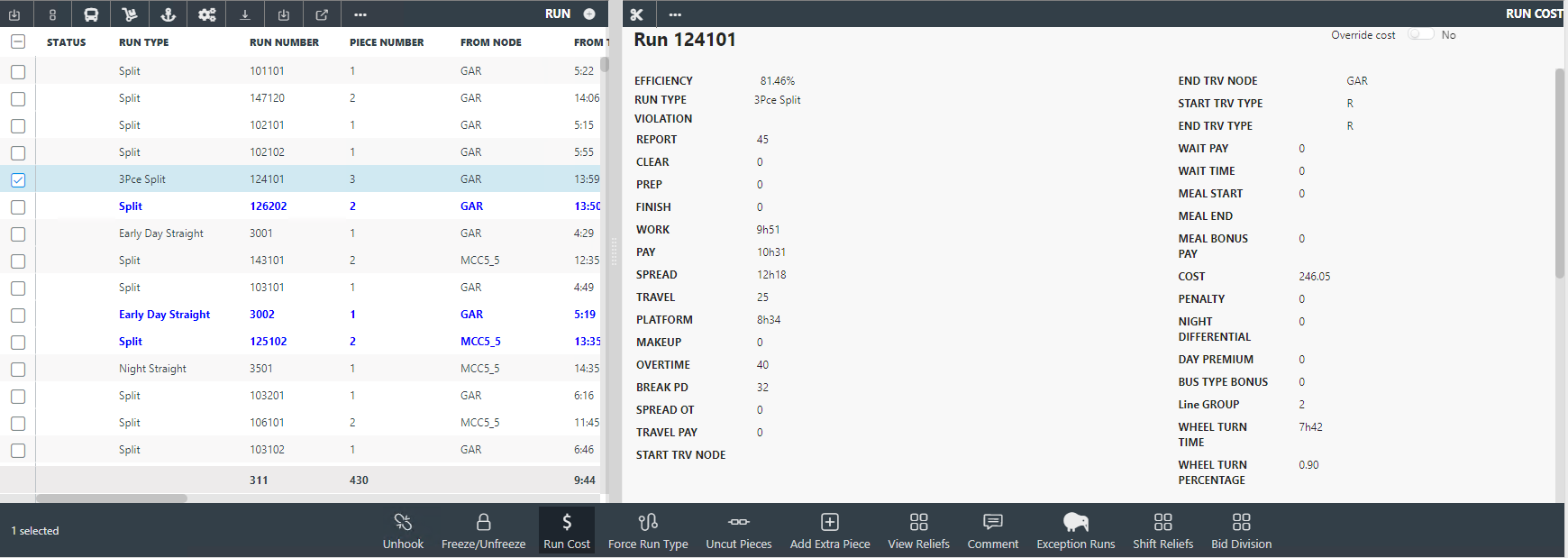
-
On the screen toolbar in the Run Cost pane, click the Force
Travels button:
 The Force Travels dialog appears.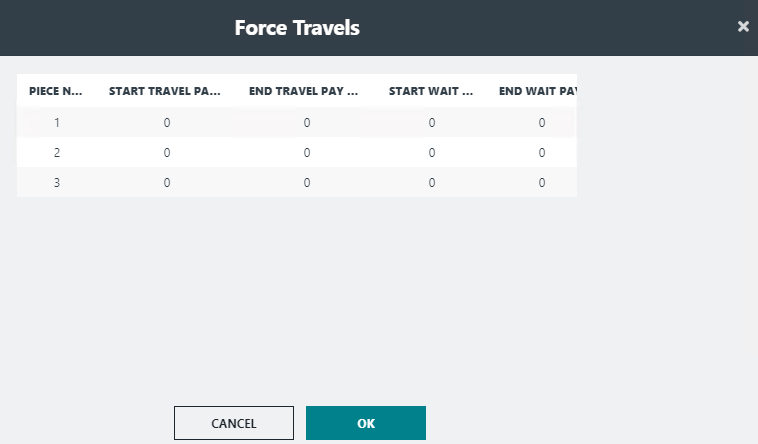
- In the Start Travel Pay and End Travel Pay fields, type the forced operator travel times. If applicable, also fill in the Start Wait Pay and End Wait Pay fields.
-
Click OK.
The total travel time is added to the Run Cost statistics.