
Viewing Run Cost Data
The Run Cost pane is shown on the right section of the Runs screen.
- Click the run whose run cost data you want to view.
-
On the footer, click the Run Cost button:
 The Run Cost pane appears on the right section of the screen.
The following graphic shows the Runs screen in grid format with the Run Cost pane:
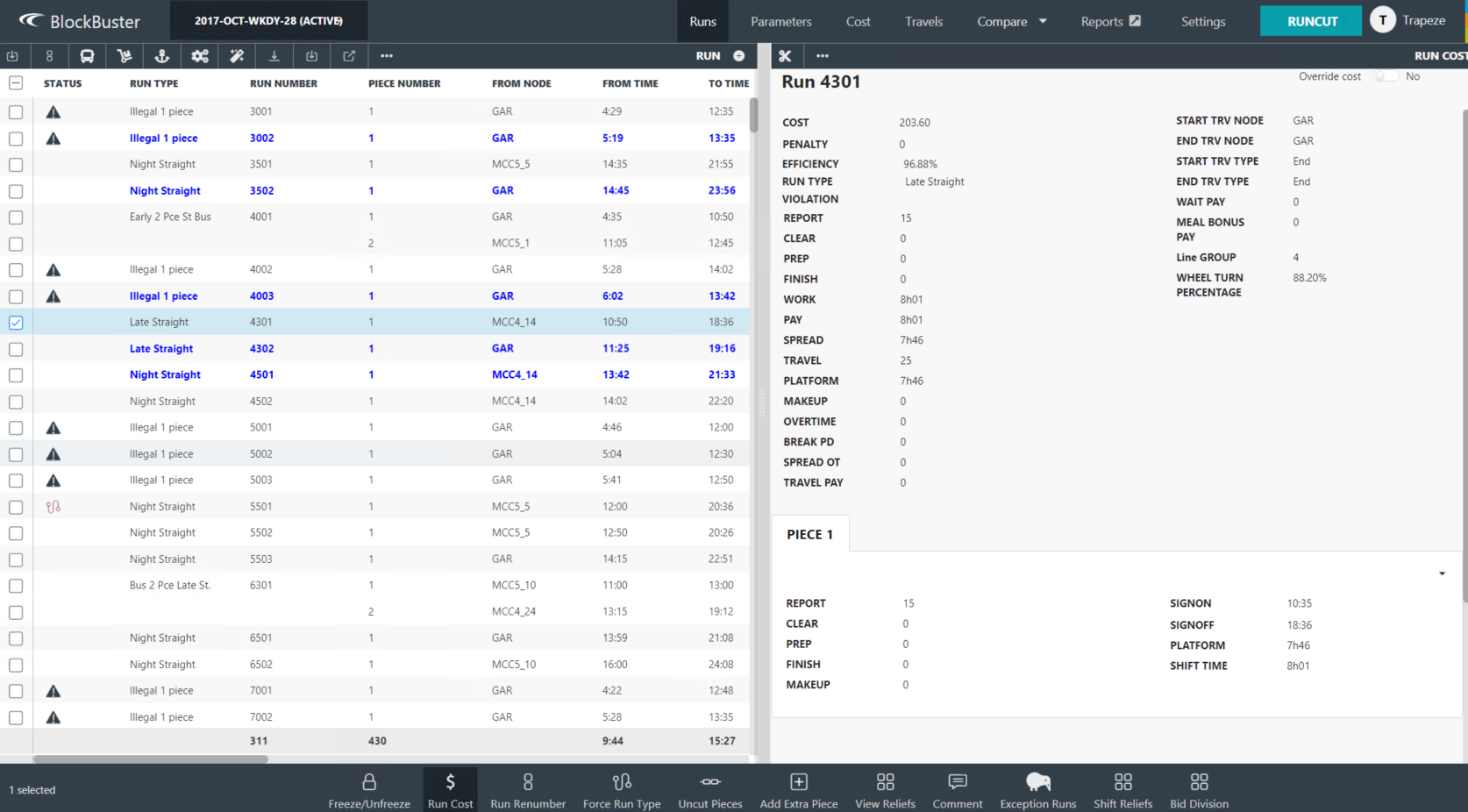
If there are any parameters that are in violation, they are shown in red text or highlighted in red.