
Loading Waits and Travels
After the waits have been defined, you can load them to the Travels screen.
-
Click Load.
The Generate Travels from Waits and Travels dialog appears.
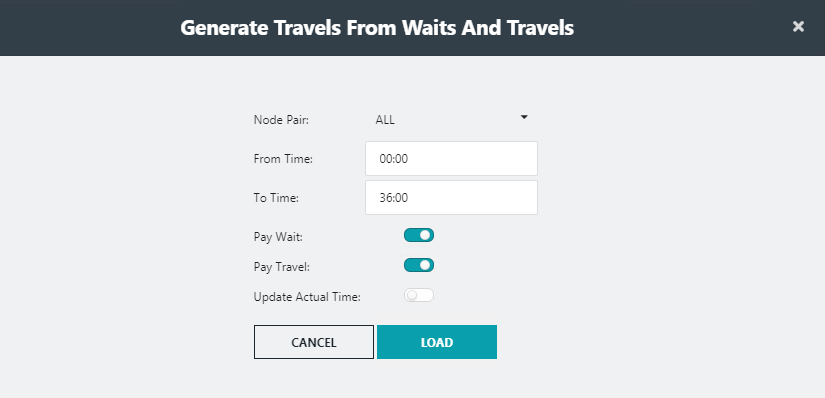
- In the Node Pair list, select All or the node pair that you want to add to travels.
- In the From Time and To Time fields, enter the applicable time interval when the wait and travel applies.
-
To indicate that the transit agency pays for the wait time, turn on the
following toggle buttons as required:
- Pay Wait
- Pay Travel
-
To update the actual times, turn on the Update Act Time
toggle button.
The Actual times of the wait and travel are updated to match the Paid time.
-
Click Load.
A message appears indicating the number of travels that was generated.