Place text in quotation marks for exact match search results.
Plot Feature for Patterns
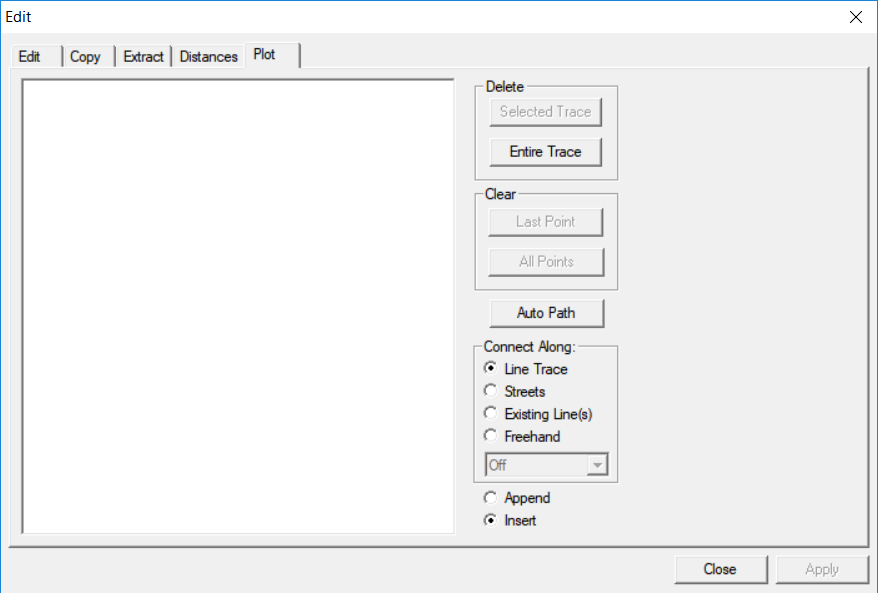
The Plot feature enables the
system to calculate the total distance of the pattern.
Note: The nodes included in a pattern must be geocoded and the route trace must exist in order
for a pattern trace to be created.
The Plot tab in the Patterns Edit dialog box is
similar to the Plot tabs in the Edit dialog
boxes on the Nodes (Route Definition), Node to
Node (Trip Building) and Deadheads (Blocking) tabs.
Plotting a pattern trace is similar to plotting a route trace.
Options on the Patterns Plot tab that determine where you can add
segment to a trace are:
Append: When a trace is edited, the system adds the revised
segment to the last point in the pattern.
Insert: When a trace is edited, the system places the revised
segment on the section of the trace you want.