
Using the Drive Feature on Pattern Traces
Use the Drive command to see how the bus runs following the pattern trace on the system map.
-
On the screen toolbar, click the Drive button:

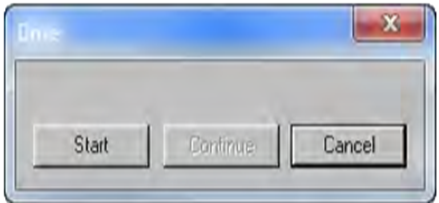
The Drive dialog box appears.
Use the Drive command to see how the bus runs following the pattern trace on the system map.
The Drive dialog box appears.