Reorienting the Trips Grids
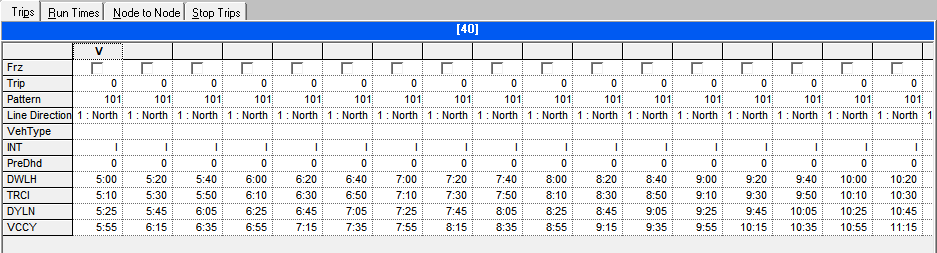
You can change the orientation of the grids to have trips appear as columns.
-
Click .
The column headers appear as row headers while the trips appear in columns instead of rows. The row headers remain fixed while you can move up and down the grid using the vertical scroll bar.