Place text in quotation marks for exact match search results.
Viewing Exceptions in the Calendar
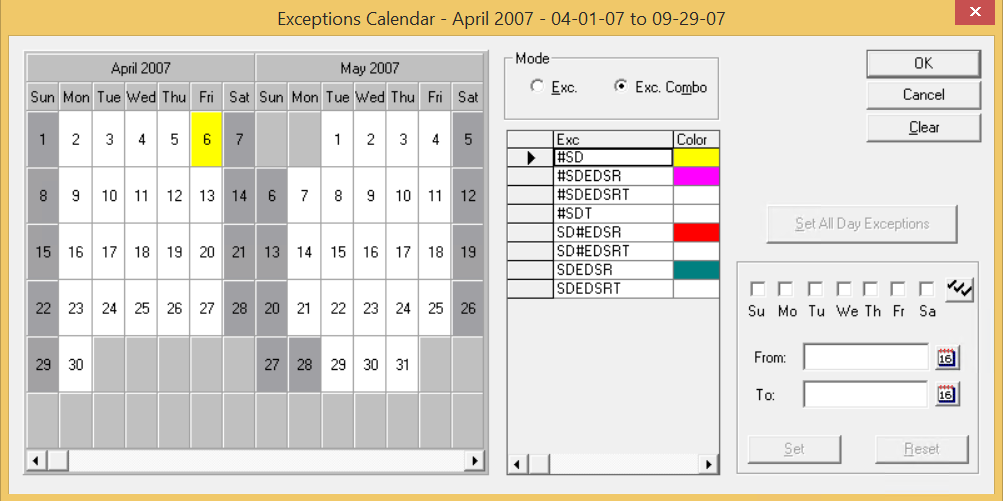
You can view the exceptions applied to a date in the calendar.
On the Exception Combinations tab, click
the Calendar button to open the Exceptions Calendar.
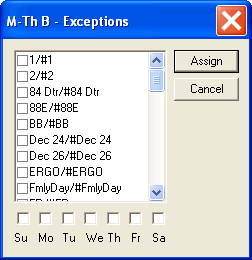
To view the exceptions applied to a date in the calendar, right-click the date.
A dialog box appears with the list of exceptions. The title bar shows the
Exception Combination abbreviation (Abbr) applied to the selected date, if any.
To add other exception combinations using the dialog box:
The system automatically updates the exception combos when you make changes
to the exception calendar. If some exception combos are to be deleted during the
update, a message appears asking if you want to proceed with the delete
action.