You can search for roster and other data using the Find feature.
-
Select any field in the Roster column in the
Roster grid.
-
Click .
-
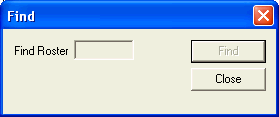
In the Find Roster field, type the Roster number of the roster
you want.
-
Click Find. The cursor moves to the field containing the roster number you want.
-
Click Close.
You can also find data of a specific day.
-
Select a field in the column of the day, for example, Monday.
-
Click .
-
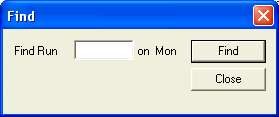
Type the data of the display option you want, for example, Run number.
-
Click Find. The cursor moves to the field containing the data you want.
-
Click Close.
Note: The data you want should be displayed on the rostering grid.