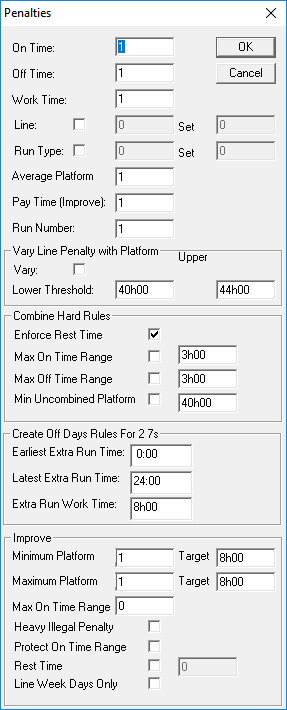
About Defining Penalties
Penalties applied to create rosters are defined in the Penalties dialog box, which is opened from the Optimize On frame.
When applying the penalties, the system looks for the cheapest rostering solution. Thus, applying a high factor deters the system from contravening the parameter or guideline against which the penalty has been set. If you decide to experiment with changing these values, stay within the range of .1 to 1.
It is also important to know that all factors you define in the Penalties dialog box such as On Time, Off Time, and Work Time are only meaningful in relation to one another and should therefore be defined relatively, for example, if all factors are set to 1, the system considers them equally.