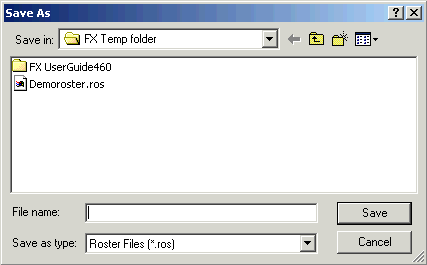
Saving Rosters You can save a rostering solution to a file. Click Rostering > Save to File. The Save As dialog box appears. In the File name field, type a file name and save it as a Roster file. Click Save. The file is saved with a .ros file extension.