
Checking for Layovers Between Trips
The Build Clock Layover tool is used to determine if there are mid-trip layovers and for the schedule adherence to be updated accordingly for Traveler Information products that have a real-time component.
- Click . The Extended FX Data Tool appears.
- In the Service list, choose the service you want. The default is set at <All> for all lines.
-
To select more than one Service, choose
<Custom>.
Select Services dialog appears.
-
Select Build Block Layovers.
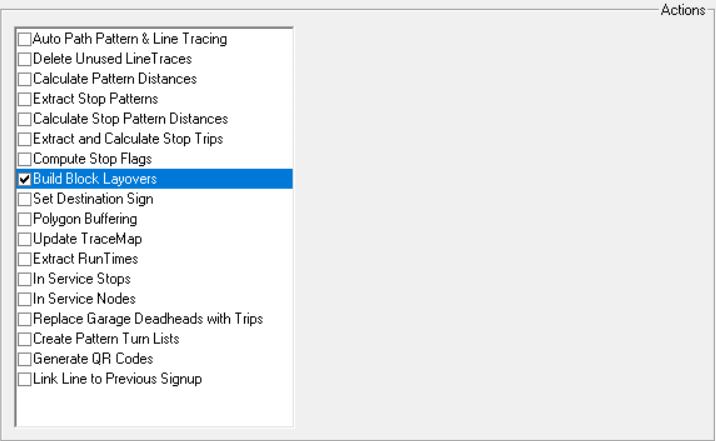
- Click Execute.
- Click Close.