
Searching for Specific Blocks
Go To Block is a helpful feature when you have many blocks within a line group or service group and are looking for a specific block.
-
On the Blocking tab, click .
The Go To Block dialog box appears containing a list of the blocks in your Blocked trips grid.
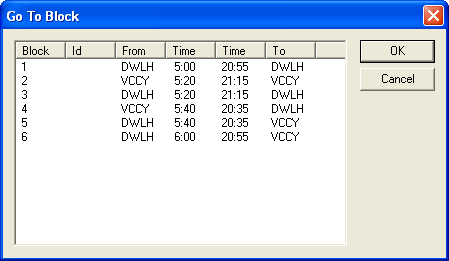
- Click the block you want to see.
- Click OK.
In the Blocked trips grid, the selected block is visible on the screen with the first trip highlighted and the double arrow marker shown in the marker column.
A related feature that helps you to move up and down the scroll bar quickly is the Scroll menu.