Editing Blocks
To make changes to the blocks generated automatically or manually, you can use the features in the Blocking Edit dialog box and the other options in the Blocking menu.
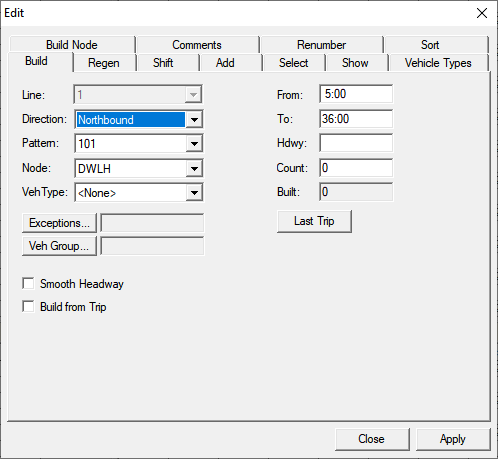
To open the Edit dialog box in the Blocking screen, click or click the Edit button: