
Adding Park At Deadheads
You can designate a point in between the blocks to or from which you can add deadheads called Park At deadheads.
Note: Adding Park At deadheads
is used by transit sites that do not use implied deadheads.
-
Click .
The Select Blocks for ParkAt Deadheads dialog box appears.
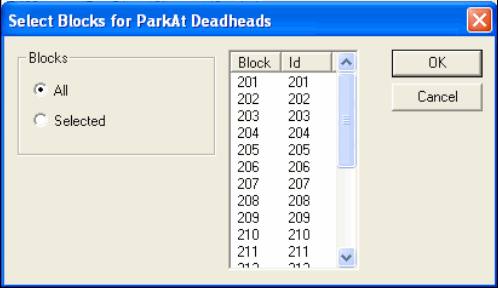
The All option is selected by default.
-
Perform one of the following steps:
-
To insert the deadheads in all blocks, click OK.
-
To insert the deadheads only on certain blocks, click Selected and select the blocks you want in the right frame.
-
-
Click OK.
The Park At deadheads are shown.