
About Driver Blocks
Driver blocks are predominantly used in rail transit and are developed in the Blocking screen. To create them, perform the same steps applied in creating vehicle blocks.
The Driver Blocks feature is useful at rail transit sites where the operators drop back upon arrival at the end of the rail line. This allows the rail service to continue while the driver has a brief period of layover until the next arrival.
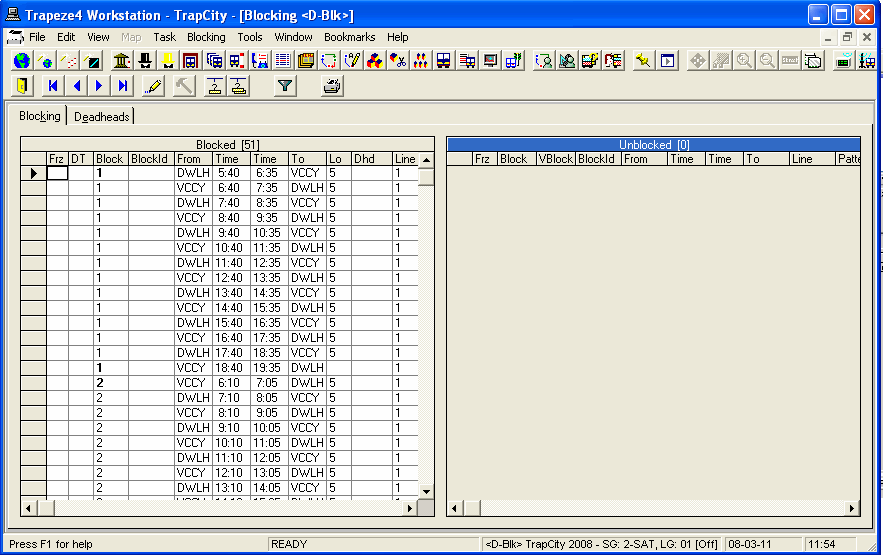
The Driver blocks screen looks the same as the Vehicle blocks screen with the tag <D-Blk>. The tag beside the name of the screen indicates that you are currently using Driver blocks. The Set Mode information also includes D-Blk in the status bar to indicate that you are currently in the Driver Block mode.
Driver blocks use the same trips as the vehicle blocks including deadheads.
- Although the trips are the same as the vehicle blocks, they are blocked differently.
- You cannot assign garages, that is, the fields in the Garage Assignment dialog box are not activated.