
Disabling Driver Blocks
To disable driver blocks, clear the Use Driver Blocks settings in the Line Group ancillary data first and then in the system properties.
-
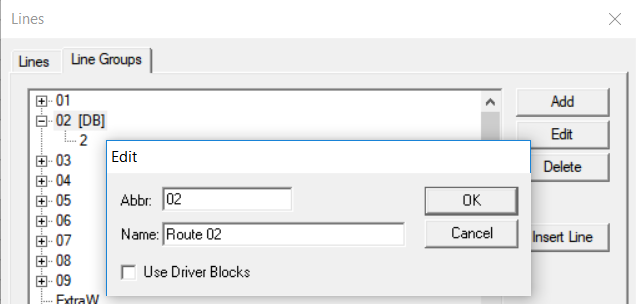
In the Edit dialog box of Line Groups
tab, clear the Use Driver Blocks check box when editing the Lines
ancillary data.
-
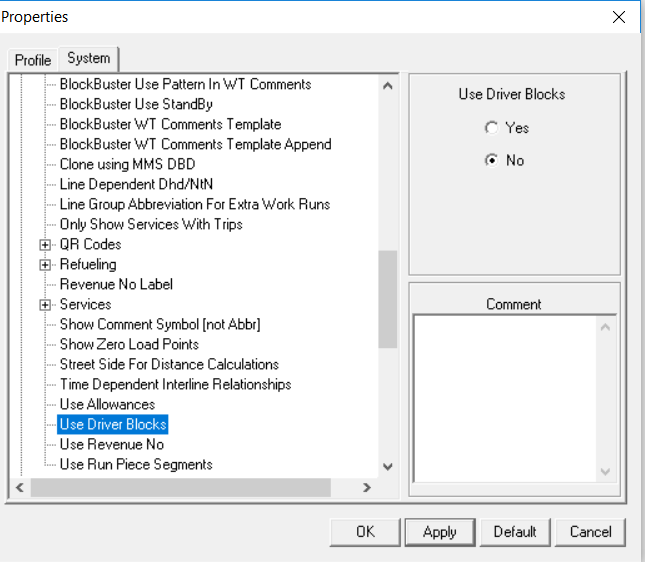
In the Properties dialog box, set the Use Driver
Blocks system property to No.
 After these procedures are done, the <D-Blk> tags are removed from the title bar and Set Mode information on the status bar.