Place text in quotation marks for exact match search results.
Resetting the Write Lock
You can reset the Write lock when a sudden issue occurs while using
MapEdit.
If a MapEdit session terminates abnormally (for example, due to
power failure) while a user has write access to the data, the map remains locked when
MapEdit is restarted. It must be reset if no one can obtain write
access. Only users with Map Administration security permissions can reset the write
lock.
Note: Using this option to enforce simultaneous write-access to the map from more
than one machine can yield serious damage to data.
Click Tools > Maintenance > Reset Write Lock.
A message appears asking if you really want to reset the map to allow write
access. It also advises that this feature should be used only if no user can get write
access.
Click Yes.
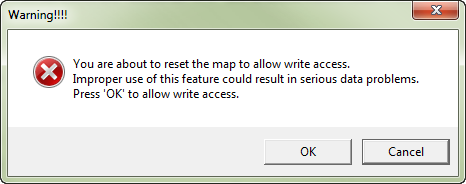
A second warning appears reminding you that you are about to reset the map to allow
write access. It also shows another statement that the improper use of the feature could
result in serious data problems.