
Viewing Segment From and To Points
Some property values, such as address fields, are defined with reference to a segment's end points. One end point is considered the From point, and one end point is considered the To point.
-
Click , or click the Properties button:

The Properties dialog shows information for the current selection.
-
Do one or more of the following steps:
-
To identify the segment From point, click the Show "From" Point button in the Properties dialog:
 A hand pointing to the right shows the segment From point.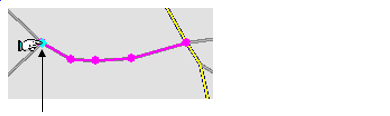
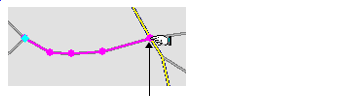
- To identify the segment To point, click the Show "To" Point
button in the Properties dialog:

A hand pointing to the left shows the segment To point.
-