Viewing Check Data on the Stops Tab
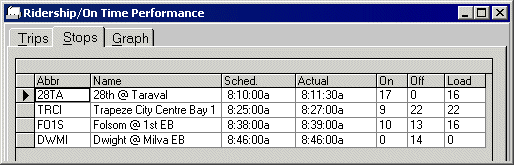
The Stops tab displays detailed node/stop information for a selected trip.
The node/stop data appears for the selected trips.
If multiple counts have been entered or if you have selected multiple trips, the system shows the average value by default. No schedules are shown when multiple trips are selected.