Selecting Ride Check Data on Grid
By default, the Trips tab displays the scheduled times for each node in the current sign-up period.
-
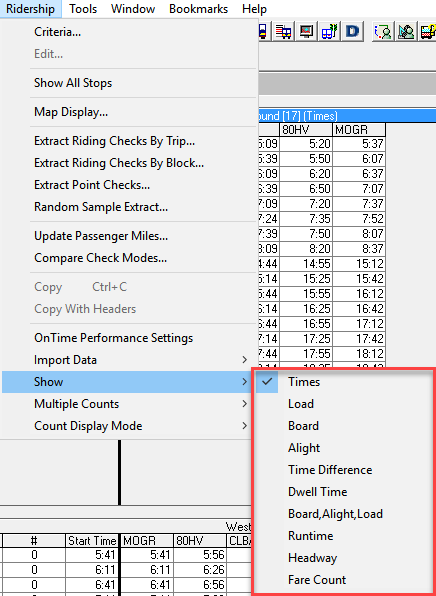
To change the type of data shown on the tab, click .
The Show submenu is displayed.