
Configuring the Client Shell
To configure the Client Shell, you must specify screen modules, or plug-ins, to load in the Client Shell.
You can configure the Client Shell by selecting the required screen modules and typing directory information.
- Open and log on to the Client Shell.
-
Click .
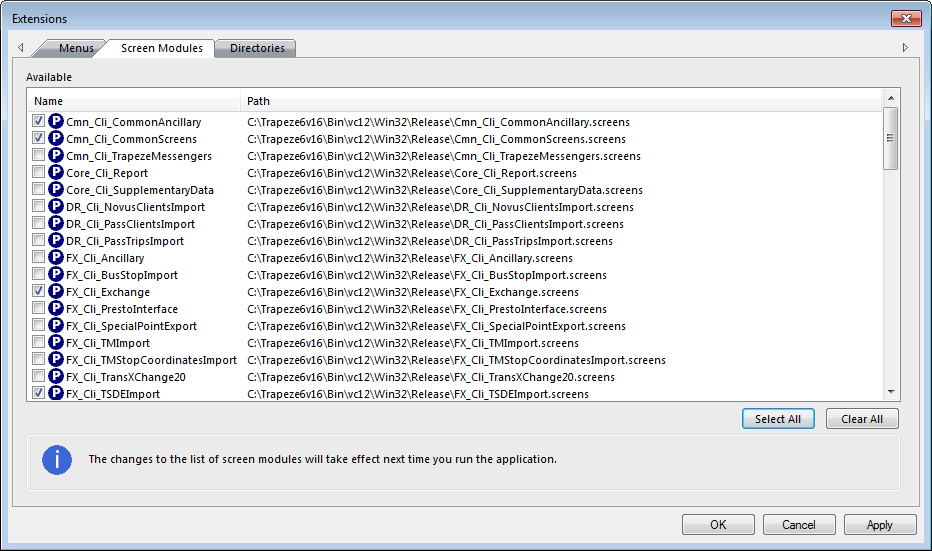
The Extensions dialog appears.
-
Open the Screen Modules tab.
-
Select the following modules:
-
Cmn_Cli_CommonAncillary
- Cmn_Cli_CommonScreens
- FX_Cli_Exchange
- FX_Cli_TSDEImport
- FX_Cli_TSDExport
-
- Click Apply.
- Click OK.
The system brings all the extensions you selected into TSDE. These modules contain the core information you need to use the application.