
Creating Query Pages
Each SQL report file can contain one or more pages for creating queries and showing query results.
-
In an SQL report, do one of the following:
- Select
- Select Settings:

- On the keyboard, press Ctrl and R.
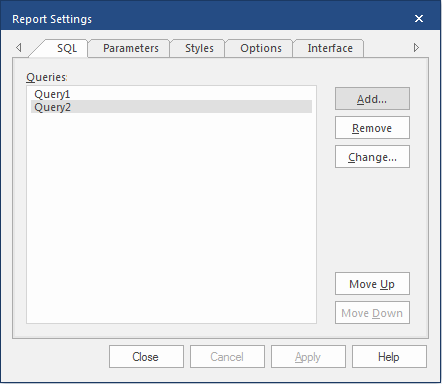
The Report Settings dialog appears. -
On the SQL tab, select .
-
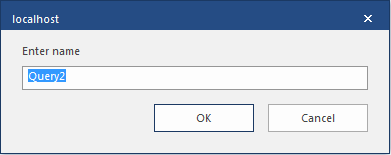
Enter a name for the query and select .
The query name appears in the Report Settings dialog and a tabbed page for the query appears in the SQL report screen.
-
Select .
You can now enter a SQL statement in the query box on the query page.
-
Select Save:
