
Viewing and Setting Sign-In Terminal Properties
Trapeze6 properties (also called context properties) control the behavior and appearance of the system.
This information is included for reference only. Reconfiguration of the system and properties should be done during a scheduled maintenance period and may require a service restart. Typically, additional configuration points are associated with property changes and must be updated before changes can take effect. Contact a Trapeze representative before updating property values.
-
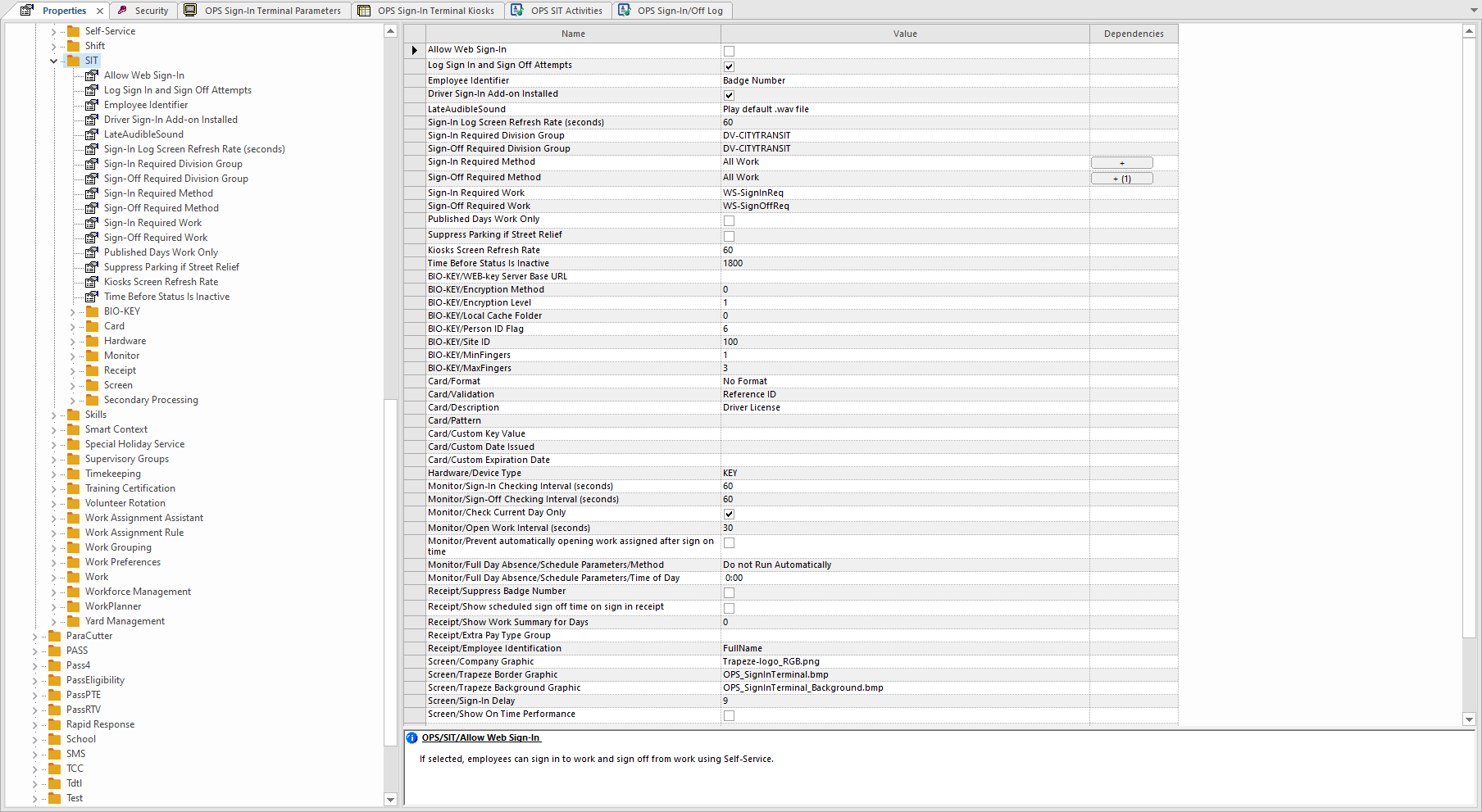
Do one of the following:
- Navigate through the folders in the left pane until you find the property to view or set.
- Select the top-level folder. All properties in the folder and its
subfolders are shown in the right pane. Select the property to view or
set.
-
Select Save:
