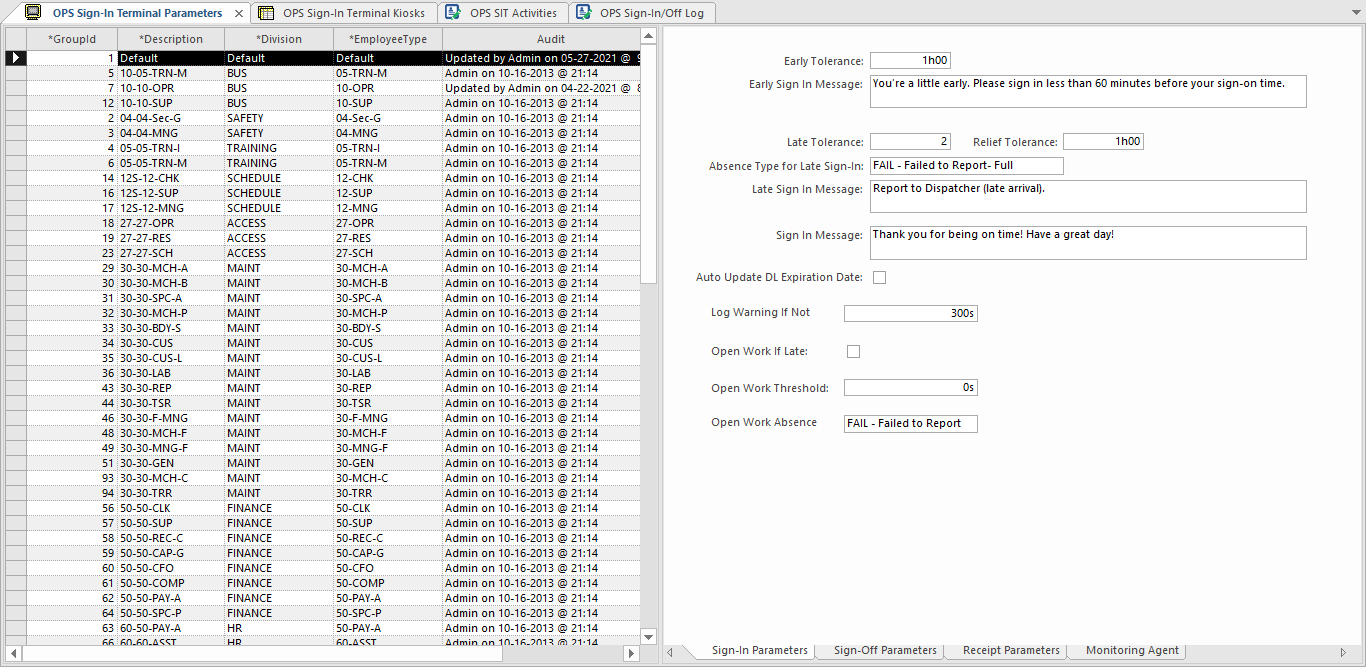
The OPS Sign-In Terminal Parameters ancillary data screen defines how employee types
and divisions use sign-in terminals.
The security permission key must be granted.
-
In the Client Shell, select .
-
In the list view, right-click Add New Record.
-
Enter a Description of the group.
-
Select a Division.
-
Select an EmployeeType.
-
Save the record.
-
In the detail view, select the Sign-In Parameters tab
and complete the fields.
If needed, refresh the screen to show the entry fields.
-
Select the Sign-Off Parameters tab and complete the
fields.
-
Select the Receipt Parameters tab and complete the
fields.
-
Select the Monitoring Agent tab and complete the
fields.
-
Select Save: