
Logging In on Larger Screens
ESS can be accessed through the internet or intranet with a web browser using Microsoft Edge, Google Chrome, or Safari.
-
Navigate to the website provided by a system administrator.
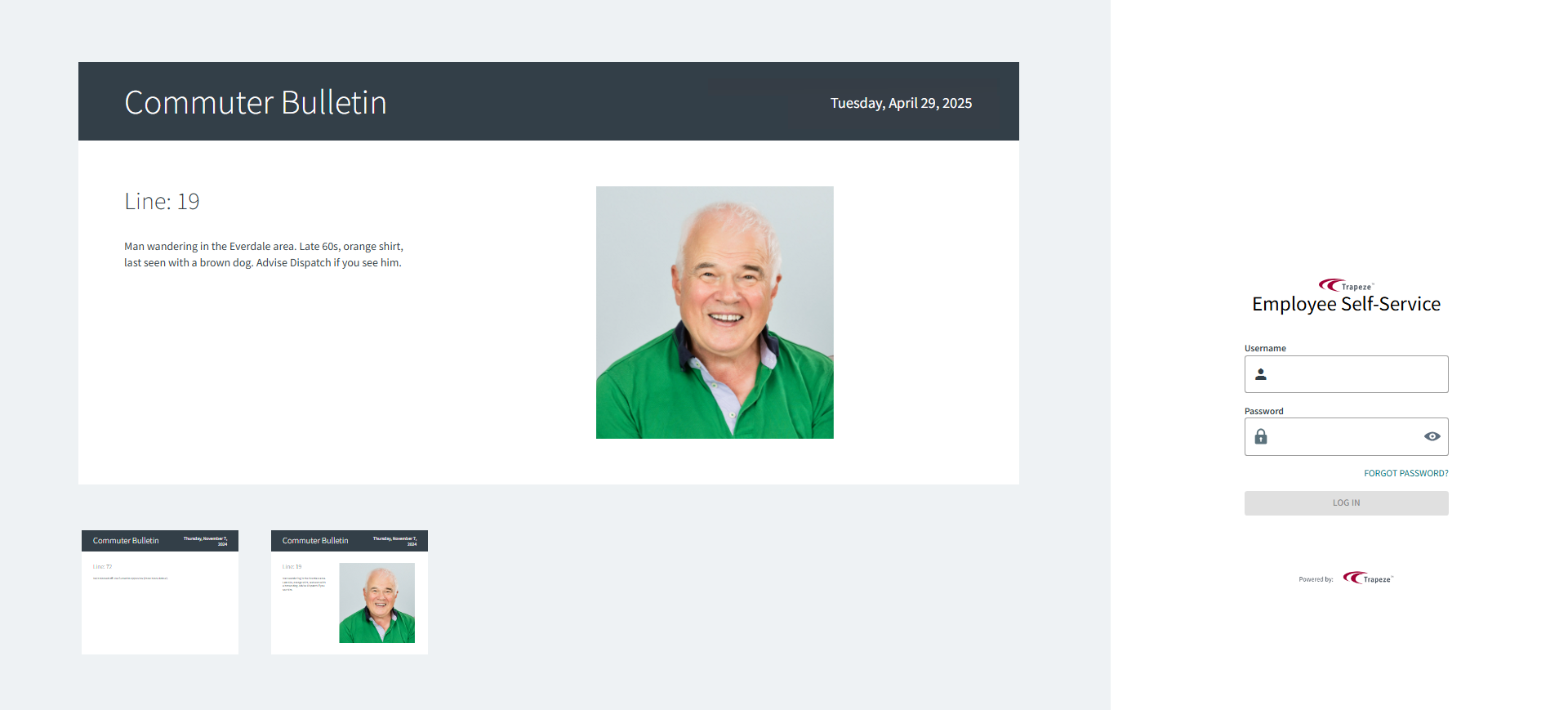
The login page appears.
- Optional:
Select commuter bulletins to enlarge the messages.
Commuter bulletins may include images.
-
Do one of the following:
- Enter your Badge Number and Personal Identification Number (PIN).
- Enter your Username and Password.
- Use your agency's defined sign-in terminal kiosk method to provide a
Key value. Typically, this is a badge or other
card.
This option is only available if your transit agency uses Sign-In Terminal.