Resetting Employee Passwords in the Client Shell
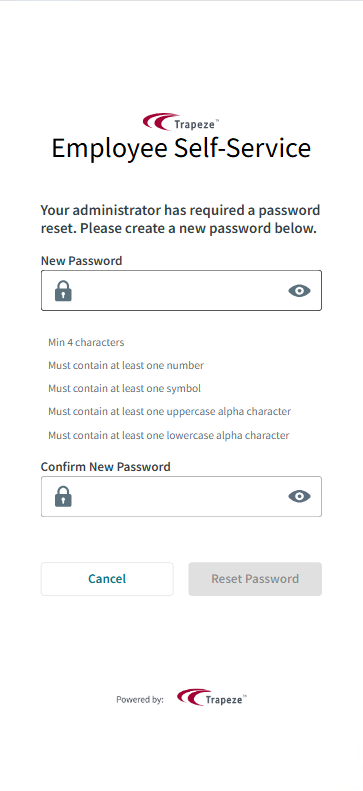
Client Shell users can reset employee passwords as needed.
- In the Client Shell, open the OPS Employee Security Management screen.
-
Set the Context (F3).
Context options for OPS Employee Security Management are Agency, Divisions, and employee Status Type.
- Select the employee that needs to reset their password.
- In the Password Reset column, select Reset.