Updating Contact Information on Smaller Screens
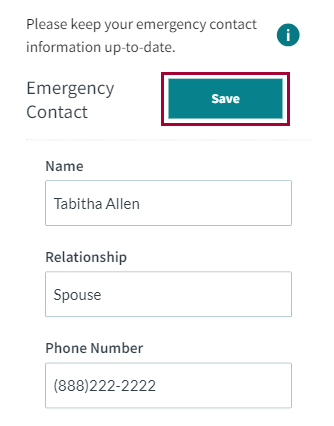
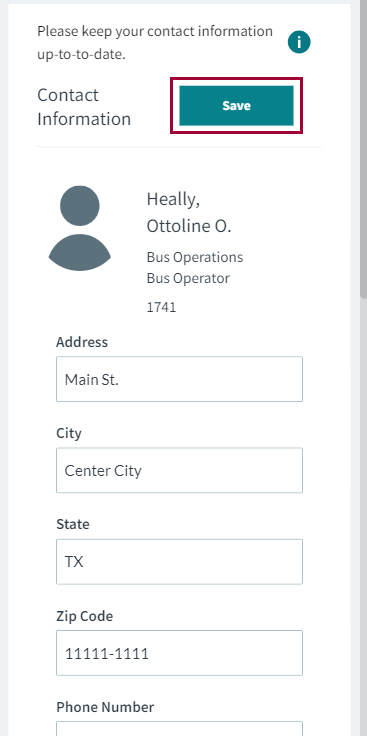
You can update your address, mobile phone number, email address, and any other Contact Information maintained by your transit agency.
-
Select menu (
 ), then Account Settings.
-
Update your contact information:
- In the Contact Information section, enter any new address or phone information.
-
Select Save.
-
Update your emergency contact information:
- In the Emergency Contact section, enter any new information.
-
Select Save.