
Updating PINs on Larger Screens
Depending on system configuration, employees can update PINs as needed.
-
Select My Account (
 ) > Change PIN.
The Change PIN dialog appears.
) > Change PIN.
The Change PIN dialog appears.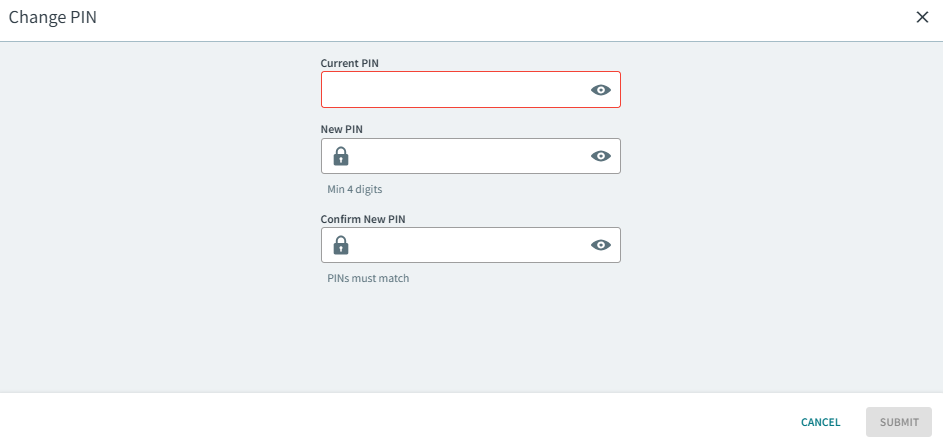
- Enter your Current PIN.
-
Enter the New PIN and confirm the PIN.
Your transit agency defines the minimum number of digits in your PIN.
- Select Submit.