Displaying Notifications
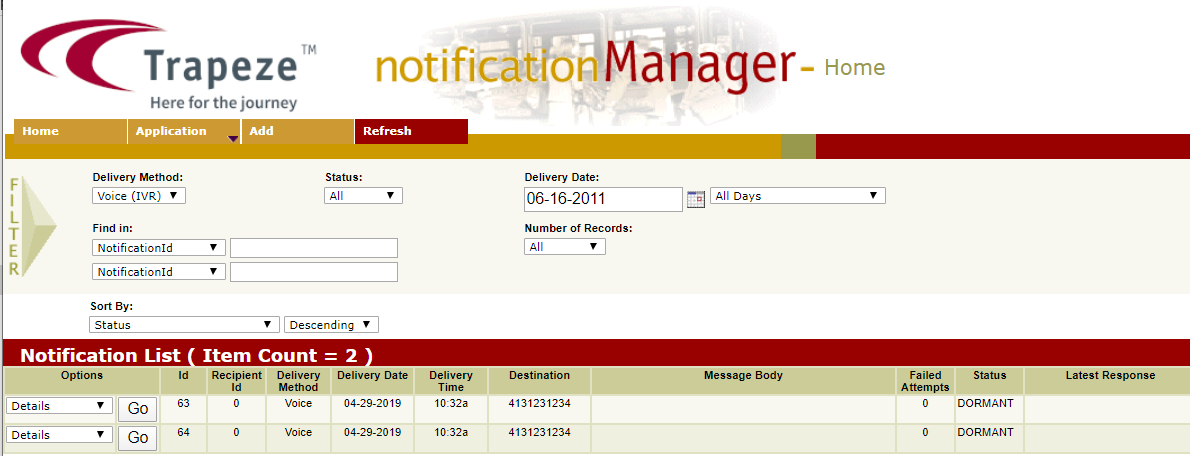
You can display specific notifications through filters in the Notification Manager screen , that creates new notifications (outbound calls) and allows you to review notifications that have already been made or are in the process of being made.
-
Click Refresh on the screen toolbar. The
notifications that match the selected criteria are displayed in the Notification
List grid.
-
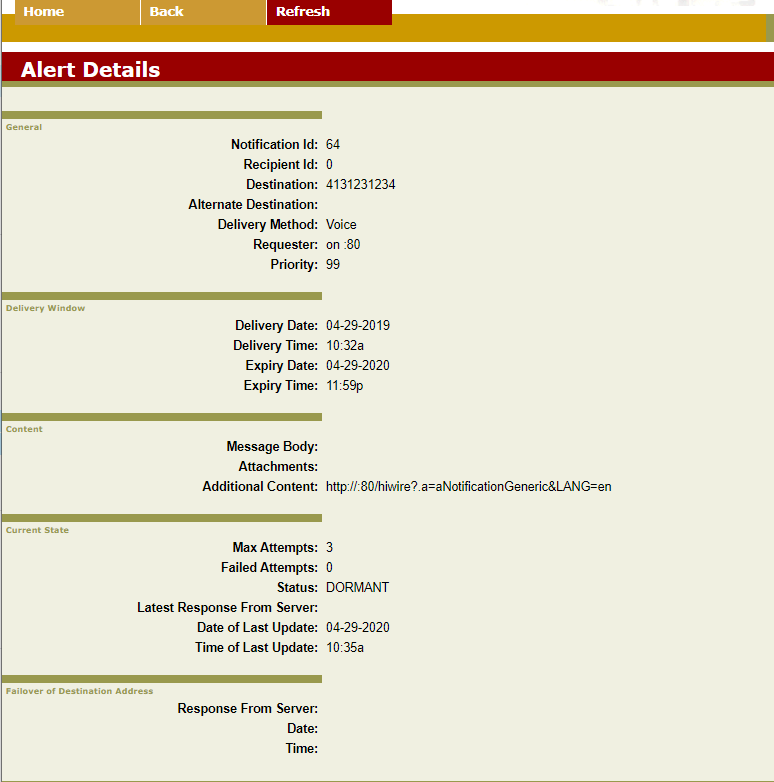
To view the details of a notification, click Details in the
Options list, and click Go.
The Alert Details screen appears.