Removing Clients from Workers
If a client no longer requires assistance with PASS-Web G3, remove the client from the list of clients supported by the worker group.
- Sign in to WebCare.
-
On the Navigation pane, click Worker
Groups.
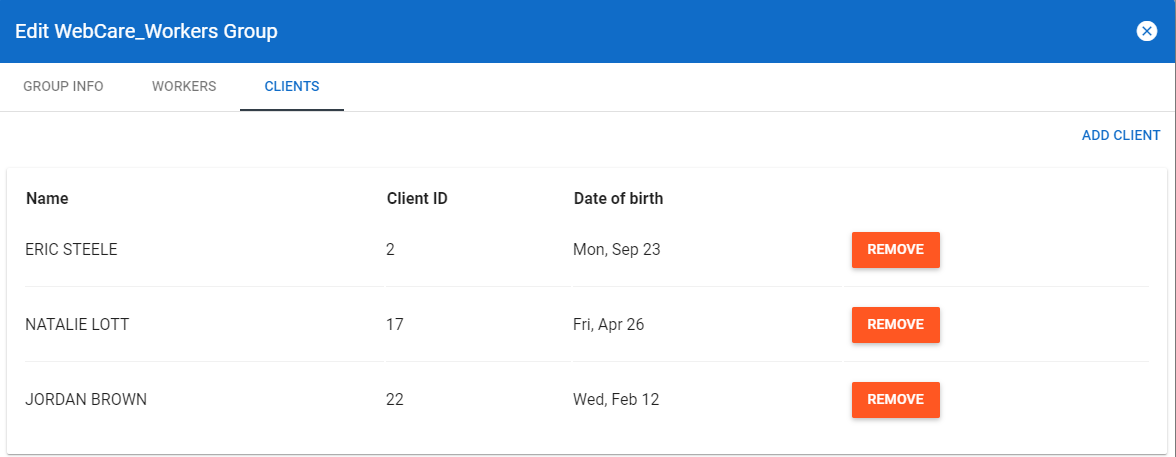
The Edit xxx Group dialog appears. (The xxx indicates the name of the selected worker group.)
- Open the Clients tab.
-
On the record of the client you want to remove, click
Remove.