
Viewing List of Workers
You can view the list of workers assigned to a worker group.
-
Click Worker Groups on the Navigation tab.
The list of worker groups are shown on the right pane.
-
Click Edit on the worker group you want.
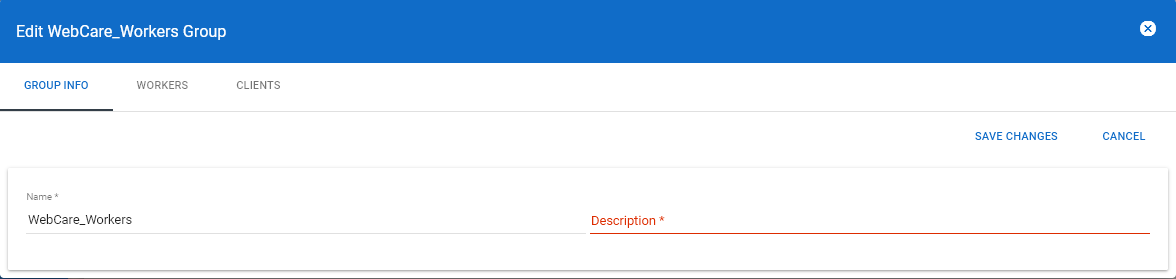
The Edit xxx Group dialog appears. (The xxx indicates the name of the selected worker group.)
-
Click the Workers tab.
The list of workers of the selected worker groups is shown.