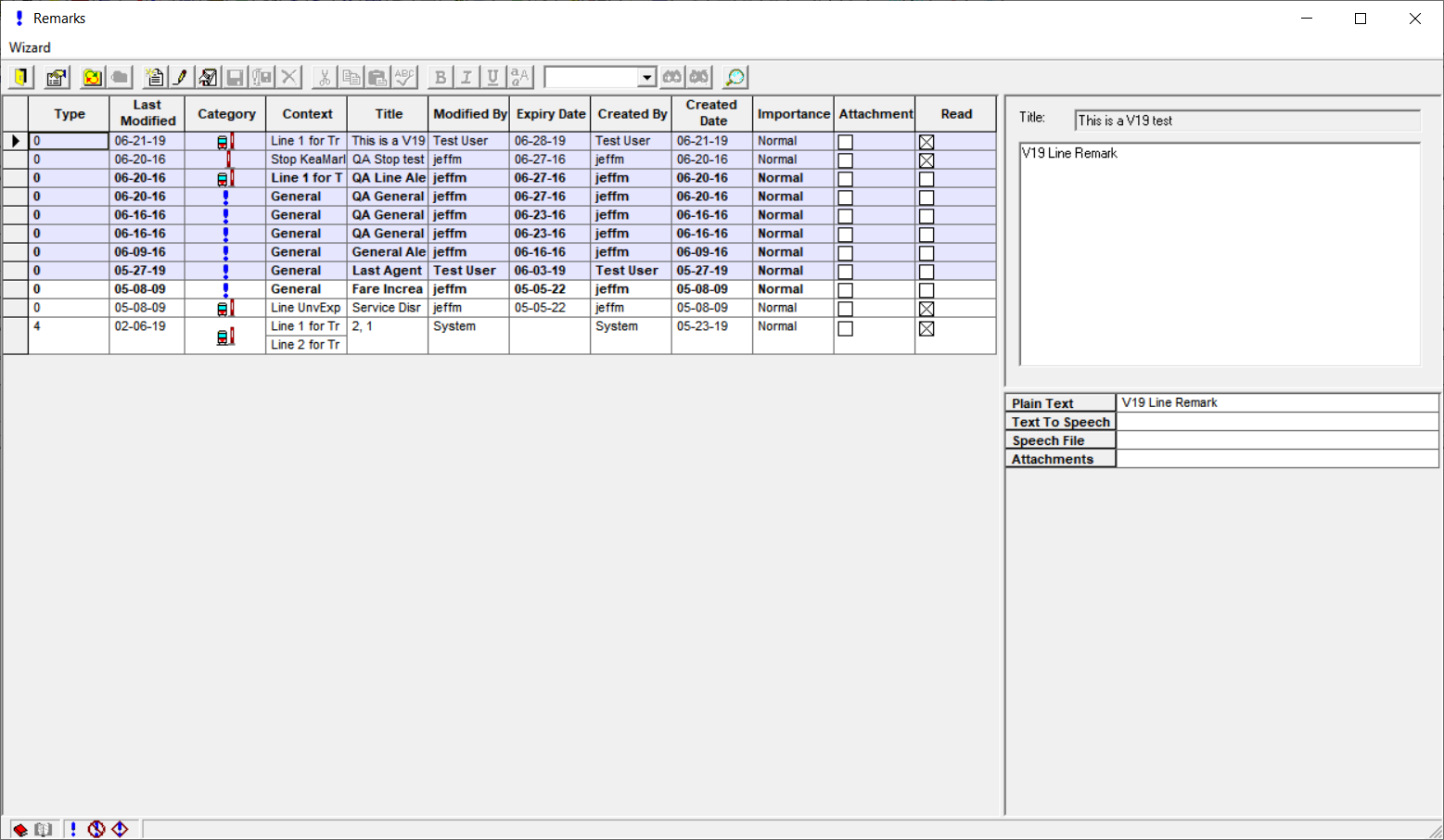
The Remarks screen displays the list of remarks on the left pane (grid). The details (the content of an individual remark) are on the right pane.
The following graphic shows sample remarks in the Remarks dialog:
Highlight a remark from the grid and view the details associated with it on the right pane.
This format allows you to have an overview of all the remarks while viewing the details of a
highlighted remark.