
Sending an Itinerary by Email
An itinerary can be sent to a client by email.
-
On the toolbar of the lower pane on the Details tab, click the E-mail
Itinerary button:
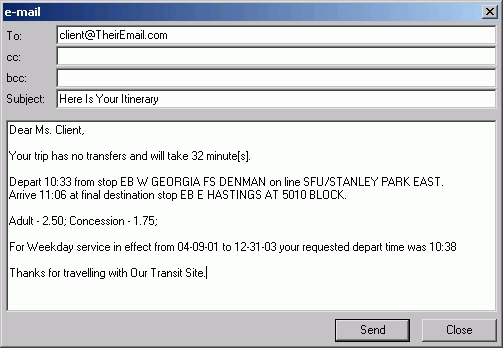
 The E-mail dialog opens. A summary of the itinerary solution is shown.
 -
In the To field, type the recipient’s email address.
- Optional:
Edit the subject line and/or any content in the body of the email.
The subject line and salutation may be set to a default in the CTM Reports properties. Contact your system administrator for more information.
- Click Send.